

Think the crowd or scalpers are why limited-edition phones vanish?
Most people don’t lose to scalpers.
They lose to sloppy prep and slow checkouts.
This post gives crisp, tested steps to fix that: set up accounts 72 hours ahead, enable app and SMS alerts, load fast payment methods, and run a smart refresh and multi-channel checkout plan.
Do those things and you’ll avoid last-minute typing, bank holds, and the endless refresh loop.
Read on to learn exactly what to do, when, and why it matters.
Immediate Steps to Boost Your Chance of Securing a Limited-Edition Smartphone
Create accounts with the manufacturer, your carrier, and at least two national retailers at least 72 hours before launch. A lot of people skip this and end up typing personal details while everyone else is checking out. Log in on both desktop and mobile to verify everything works, make sure addresses auto-populate correctly, and turn on two-factor authentication if it’s required. Carriers usually ask for account numbers or the last four digits of your Social Security Number during checkout for financing or trade-in offers, so keep that info in a password manager or secure note where you can grab it fast.
Turn on app notifications and SMS alerts for every channel you’re planning to use. Major brands send launch-day reminders and sometimes early access links through their official apps, and those notifications can show up minutes before the public drop. Bookmark the exact product pages once they go live in preview mode. Test your browser’s auto-fill to confirm saved payment and shipping details load instantly. If a retailer offers a waitlist or pre-registration option, join it right away. Pre-registration often moves you higher in the queue and bumps up your odds of grabbing inventory during the first wave.
Before launch day, knock out these steps to cut down friction:
- Turn on SMS and app alerts on manufacturer and retailer apps for real-time drop notifications.
- Load payment details in every account, including billing ZIP code and CVV where allowed.
- Bookmark purchase pages once product listings appear, even if they show “out of stock” or “coming soon.”
- Double-check shipping addresses on all platforms and add a backup address in case the primary one triggers a fraud hold.
- Test auto-fill by running a mock checkout on a cheap item to confirm card and address data populate correctly.
- Set calendar reminders for 15 minutes before the announced drop time and sync your device clocks to official time sources.
How Retailer and Carrier Strategies Differ on Launch Day
Manufacturer stores, carriers, and big-box retailers all handle limited-edition smartphone launches differently. Understanding these patterns helps you pick the right channels. Manufacturer stores often hold the largest pool of exclusive colors and bundles, but they also attract the heaviest traffic and sell out fastest. Carriers sometimes release stock in staggered waves throughout the first hour, so a sellout at 8:00 a.m. Eastern doesn’t always mean inventory is gone for the day. Big-box retailers may allocate only single-digit units per online SKU but restock multiple times as local stores transfer inventory to the warehouse, creating short windows of availability between 15 and 45 minutes after the initial drop.
Spread your approach by monitoring at least three channels at once. Use a desktop browser for the manufacturer store, a mobile device logged into your carrier app, and a laptop or tablet on a national retailer’s site. Each channel has different server loads, queue systems, and checkout speeds, so spreading your attempts increases the chance that one will process your order before stock disappears.
| Retailer Type | Advantage | Common Drop Time Behavior |
|---|---|---|
| Manufacturer Store | Exclusive colors, largest inventory pool, bundled pre-order perks | Drops exactly on time; heavy traffic; sells out in 2–10 minutes |
| Carrier (Online) | Trade-in promos, financing options, staggered restocks | May release batches every 10–30 minutes during first hour |
| National Retailer | Faster checkout for loyalty members, occasional early soft drops | Small initial quantities; possible restocks within 20–60 minutes |
| Big-Box In-Store Pickup | Avoids shipping delays, local inventory transfers | Limited units per store; may appear as “available” briefly during transfers |
Timing Tactics: When to Refresh, Wait, or Switch Retailers
High-demand limited-edition smartphones often sell out within seconds of going live, so your refresh strategy matters just as much as your account prep. Some retailers preload product pages 2–5 minutes before the official drop time, creating a brief window where the “Add to Cart” button becomes active early. Keep one browser tab open on the exact product page and refresh manually every 10–15 seconds starting five minutes before launch. Automated refresh tools set to intervals faster than three seconds can trigger anti-bot protections and block your session, so you’ve got to balance speed with caution.
Watch the retailer’s queue system if one appears. A lot of high-traffic sites place users in a virtual waiting room and assign random queue positions, which makes rapid refreshing pointless once you’re in line. If your primary retailer shows no progress after 30–60 seconds, open a second device and try checkout on an alternate site. Switching too early risks missing a restock on your first choice, but waiting too long can leave you with nothing if all channels sell out at once.
Follow these steps during the drop window:
- Start refreshing 5 minutes early on the exact product page, not the category or homepage.
- Use manual refresh (F5 or pull-down on mobile) every 10–15 seconds until the button activates.
- Join the queue right away if a waiting room appears, and don’t close that tab or browser.
- Switch retailers after 60 seconds if the first site freezes, shows errors, or places you far back in a queue.
- Check for soft drops by monitoring social media or stock-alert channels for reports of early “Add to Cart” availability.
Preparing Fast, Reliable Payment Options
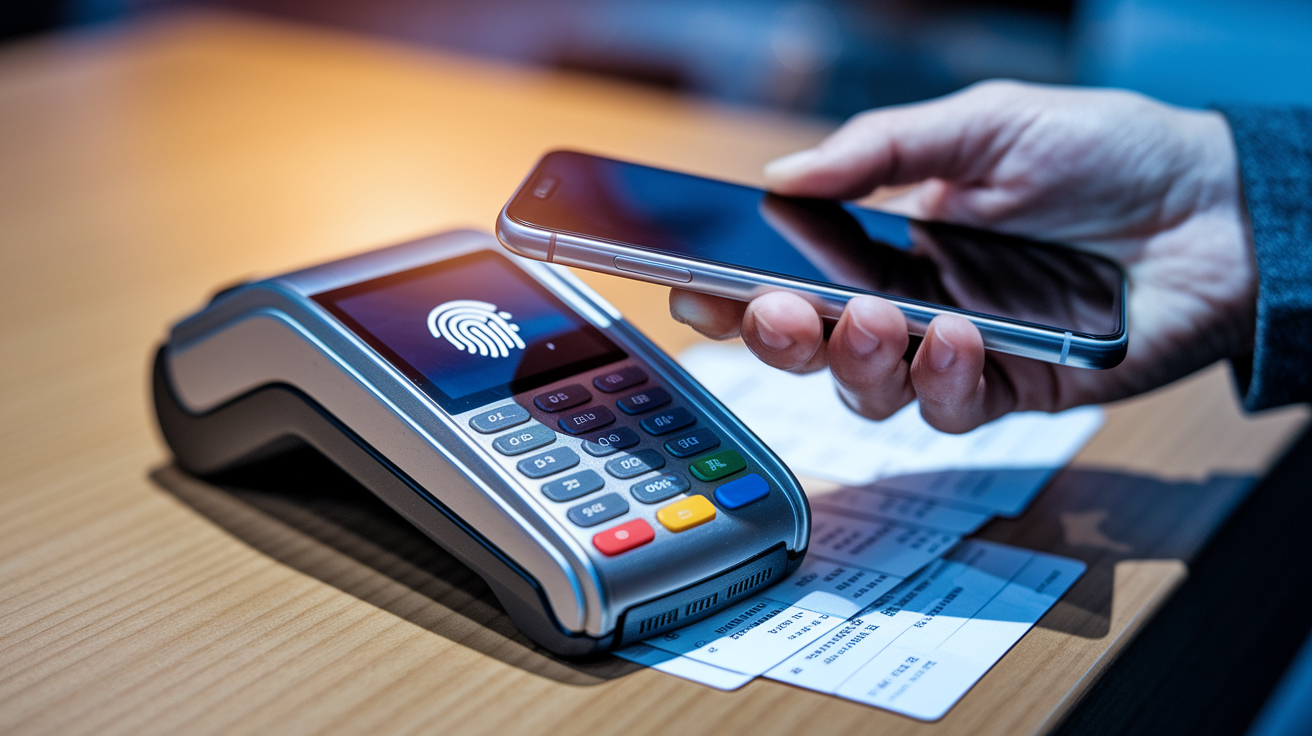
The fastest checkout method is a digital wallet loaded with a verified card and set up for biometric unlock. Apple Pay and Google Pay can complete a purchase in 5–10 seconds once the “Buy Now” button appears, compared to 30–60 seconds for manual entry. Log into your digital wallet the day before launch, confirm your default card is current and has enough credit or funds, and test the biometric unlock to make sure Face ID or fingerprint recognition works smoothly under pressure.
Skip cards that trigger extra verification steps. Some issuers require SMS codes or app confirmations for large purchases, adding 15–30 seconds to checkout. If your primary card does this, add a backup card without extended verification or use a PayPal account with instant checkout turned on. Double-check that your billing ZIP code matches the card on file exactly. Mismatches can cause instant declines during high-traffic launches.
Auto-fill failures happen all the time when card expiration dates or CVV codes are outdated in the browser’s saved payment data. Two weeks before launch, manually update your saved payment information on every retailer site and run a test purchase of a cheap item to confirm the data loads correctly. Clear outdated addresses from auto-fill lists to avoid selecting the wrong shipping destination during a rushed checkout.
Device-Specific Drop Patterns for Popular Brands
Apple iPhone limited editions and new releases almost always drop at exactly 5:00 a.m. Pacific Time (8:00 a.m. Eastern), and the company rarely changes this schedule. Pre-orders open one week before the official launch, and the highest-demand models sell out their first shipment windows within 3–8 minutes. Apple sometimes releases special colors or collaborations only through its own store, so go straight to the Apple Store app over third-party retailers if you want a limited finish. Carrier partners get smaller allocations and often sell out even faster, but they also offer trade-in promotions that can drop upfront cost to near zero with qualifying devices.
Samsung limited-edition releases, especially Galaxy Z foldables and exclusive colors in the S series, behave differently. Samsung often previews special editions during its Unpacked events in late January or mid-July and opens pre-orders right after the presentation ends. Some colors appear only on Samsung’s website and ship 2–4 weeks after the standard models. Samsung’s trade-in values during launch windows can hit $600–$800 for recent flagships, making direct purchases from the manufacturer worth it even without carrier financing. Restocks are less predictable than Apple’s, so if you miss the initial drop, expect waits of several days to weeks for more inventory.
Google Pixel limited releases, including special colors and collaborations, typically launch in October alongside the standard models. Google often staggers restocks during the first hour, releasing small batches every 10–20 minutes as the system processes canceled or failed orders. The Google Store gives priority to users in its Pixel Pass or Google One programs for early access, so joining these services a month before launch can improve your chances. Carrier partners receive limited allocations and sell out quickly, but national retailers sometimes get restocks within the first 24 hours.
| Brand | Typical Drop Time | Unique Launch Behavior |
|---|---|---|
| Apple iPhone | 5:00 a.m. PT / 8:00 a.m. ET | Exclusive colors often limited to Apple Store; carrier allocations smaller; sells out in 3–8 minutes |
| Samsung Galaxy | Immediately after Unpacked event (Jan/July) | Special editions may ship weeks later; high trade-in values at launch; unpredictable restocks |
| Google Pixel | October, varies by year | Staggered restocks every 10–20 minutes; early access for Google One members; limited carrier stock |
Using Stock Trackers and Drop Alerts Efficiently
Stock-tracking tools pull inventory data every 5–30 seconds depending on the service and subscription tier, and they can send push notifications or SMS alerts the moment a product changes from “out of stock” to “available.” Set up alerts on at least two trackers to increase coverage, but treat them as a backup rather than your main method. High-traffic launches can overwhelm these services, delaying notifications by 30–90 seconds, which is often long enough to miss a small restock. Use trackers to catch unexpected restocks hours or days after the initial drop, when competition is lower and you’ve got more time to complete checkout.
Websites sometimes throttle automated traffic during heavy launches, so stock trackers may get “out of stock” signals even when limited inventory is briefly available to manual users. If your tracker sends an alert but the site still shows unavailable, refresh manually 3–5 times over the next 60 seconds. Payment failures from other customers often return units to inventory within 10–20 minutes of a sellout, creating brief restock windows that trackers can catch.
Stock-alert tools fall into four categories:
- Real-time aggregators that monitor multiple retailers at once and send instant push notifications when any site adds inventory.
- Page-change monitors that track specific product URLs for visual or code changes, useful for detecting soft drops or early listings.
- Social media alert channels on Twitter/X or Discord where users and bots report live drops, often faster than automated tools during chaotic launches.
- Retailer-specific apps that send native push notifications directly from the seller, bypassing third-party delays and offering the fastest alerts for that channel.
Building a Reliable Backup Plan if Your First Attempt Fails
If your primary retailer sells out in the first wave, switch to monitoring restocks instead of chasing other live drops. A lot of limited-edition launches see small restocks within 10–20 minutes as the system processes failed payments, expired cart holds, or duplicate orders that customers cancel. Keep your browser tab open on the sold-out product page and refresh every 15–30 seconds for the next 30 minutes. Carriers sometimes open reserve orders after initial inventory is gone, letting you lock in a future shipment date without competing in real time, so check your carrier’s website or app for waitlist options.
Plan your secondary retailers ahead of time and rank them by likelihood of success rather than convenience. If the manufacturer store sold out first, national retailers and carriers may still have units for another 2–10 minutes depending on how they allocated inventory. Smaller or regional retailers sometimes receive limited stock and face less traffic, creating brief opportunities for users willing to monitor lesser-known sites. Set realistic expectations for true limited editions. Total production runs may number only a few thousand units globally, so even perfect execution can result in a miss if demand blows past supply.
Accept that some limited-edition releases will require patience. Units often come back to inventory when early buyers cancel orders, change their minds, or fail credit checks for financing. Retailers sometimes release more stock 24–72 hours after launch as they reconcile warehouse inventory and fulfillment capacity. If getting the device on day one isn’t critical, waiting a few days and monitoring restocks can cut down stress and still get you the phone within the first week.
Final Words
Start with the basics: verify manufacturer and retailer accounts, turn on app and SMS alerts, and preload payment details so nothing stalls at checkout.
Then use timing tactics, diversify across carriers and stores, watch brand-specific drop patterns, and lean on stock trackers without relying only on them.
Have a clear backup plan for quick restocks or carrier reserves. Follow these launch day buying tips for limited-edition smartphones and you’ll seriously boost your odds — and enjoy the launch instead of stressing through it.
FAQ
Q: What time of year are phones cheapest?
A: The time of year phones are cheapest is usually late summer and fall around new flagship launches, and during big sale events like Black Friday, back-to-school, and end-of-year promotions.
Q: What makes a phone limited edition?
A: A phone is limited edition when the maker issues unique colors, special packaging, exclusive bundles, or numbered runs sold in small quantities through select retailers or carriers.
Q: What is most important to you when you buy a smartphone?
A: The most important thing when buying a smartphone is matching it to how you use it: prioritize battery life and software updates, then performance, storage, camera, and price based on needs.
Q: What should I do before going to get a new phone?
A: Before getting a new phone, verify manufacturer and retailer accounts, preload payment and ID details, enable app/SMS alerts, back up and unlock your old device, and bookmark purchase pages.