


Don’t trust launch hands-on ergonomics unless you know how to read them.
Hands-on pieces are quick impressions, not long tests, but they still leak clear clues: grip shifts, edge comfort, weight balance, and reachability.
This post shows how to pull those clues, match them to hard specs (width, weight, corner radius), and adjust for reviewer hand size and bias.
By focusing on four fast indicators and a simple cross-check workflow, you can turn scattered first-looks into a useful, repeatable ergonomic comparison before longterm reviews arrive.
Identifying Core Ergonomic Clues in Early Hands‑On Reports

Launch day hands‑on reports drop within hours of an announcement. Reviewers don’t get days of sustained testing, so they’re reacting to immediate feel: how the device sits in hand during quick bursts of use.
The most useful ergonomic clues show up when reviewers talk about grip feel, weight distribution, button placement, and whether they can reach stuff one‑handed. If a reviewer says “the edge digs into my palm during scrolling” or “I can’t reach the power button without shifting my grip,” that’s a direct signal of potential long‑term discomfort. Pull those observations straight from the text. They’re your first layer of real ergonomic data.
Weight balance gets flagged early. Reviewers notice if a device feels “top‑heavy” in portrait mode or if the center of mass pulls toward the camera module. Those comments connect to actual ergonomic outcomes. A top‑heavy phone needs sustained compensatory grip force to stop it rotating, which increases effort over time. Edge sharpness or curvature also comes up fast. “The sharp edges bite into my palm” means high local peak pressure. “Rounded edges distribute weight comfortably” suggests better load spreading across contact area.
Button and gesture reachability gets tested immediately. Reviewers check thumb travel to volume buttons, power keys, screen corners. When a reviewer says “I need two hands to reach the notification shade,” that’s a clear signal of inadequate thumb arc for one‑handed operation. Material texture shows up too. Comments on “slippery glass” or “grippy matte finish” tell you about friction characteristics that affect secure hold and required grip force.
Four fastest ergonomic indicators from any hands‑on report:
- Grip‑shift mentions (any statement about needing to reposition the device to reach controls)
- Edge‑comfort descriptors (“sharp,” “bites,” “digs,” or “rounded,” “comfortable”)
- Weight‑balance phrases (“top‑heavy,” “bottom‑weighted,” “balanced,” “lopsided”)
- Surface‑friction cues (“slippery,” “grippy,” “smooth,” “textured”)
Interpreting Subjective Reviewer Language Without Misreading It

Hands‑on reviewers write under tight deadlines. They rarely use precise ergonomic terminology. A phrase like “this feels premium” often describes fit‑and‑finish: tight tolerances, smooth buttons, polished edges. Not actual in‑hand comfort during extended use.
Premium build quality and ergonomic comfort aren’t the same thing. A device can feel expensive yet cause thumb fatigue after 20 minutes of texting. When you’re reading subjective impressions, separate aesthetic praise from functional grip analysis.
Vague comfort descriptors need context. “Comfortable to hold” might mean the device felt good during a 30‑second grip in a showroom. Not during a two‑hour commute. Look for duration cues. Reviewers who mention “after scrolling for ten minutes, my thumb started to ache” give you time‑stamped ergonomic signals. Without a time reference, treat comfort claims as preliminary.
Words like “chunky,” “sleek,” or “compact” are relative to the reviewer’s recent devices. A reviewer upgrading from a small phone might describe a 6.5‑inch device as “huge.” Someone coming from a 6.7‑inch model calls the same device “manageable.”
Context clues help decode intent. If a reviewer says “the buttons are hard to press,” check whether they mean high actuation force (ergonomic concern) or poor tactile feedback (design preference). When a reviewer writes “this is slippery,” figure out whether they tested without a case on glass or metal. Slipperiness that causes grip insecurity and requires higher sustained grip force to prevent drops is an ergonomic issue. Slipperiness that offends aesthetic preference but doesn’t affect hold security isn’t.
Cross‑check subjective language against any accompanying photos or video. If a reviewer describes “excellent one‑handed reach” but photos show them using two hands to demo the device, treat the claim skeptically.
Comparing Physical Measurements and Reviewer Impressions Across Multiple Sources
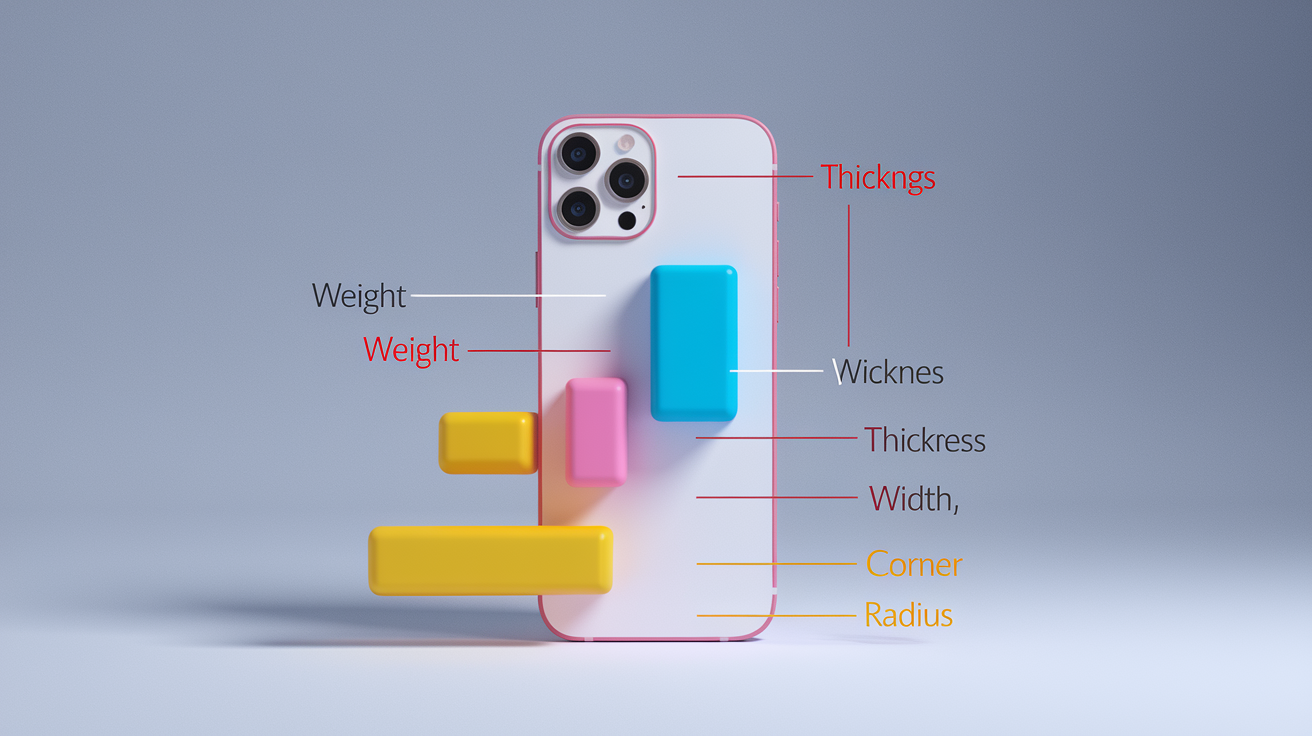
Objective specs anchor subjective feedback. A phone’s weight, thickness, width, and edge curvature are fixed values that every reviewer experiences, even if they describe those values differently.
Start by collecting the official spec sheet: dimensions in millimeters, weight in grams, screen diagonal in inches. Then map reviewer comments onto those numbers. If three reviewers mention “heavy” and the device weighs 240 grams, that triangulates a genuine ergonomic concern. If only one reviewer says “heavy” and two others say “light,” check that reviewer’s baseline. They might be comparing to a 180‑gram predecessor.
Thickness and width directly influence grip span and required finger spread. A phone 9 mm thick with an 80 mm width demands a wider grip than a 7 mm thick, 72 mm wide device. Reviewers rarely state these numbers in their hands‑on text, but you can pull them from the spec sheet and cross‑reference complaints about “hard to hold” or “easy to grip.” Width above 78 mm often triggers one‑handed reachability issues for users with average hand size. Reviewers signal this with phrases like “thumb stretch” or “two‑hand necessity.”
| Measurement | Why It Matters | What Reviewers Usually Say |
|---|---|---|
| Weight (grams) | Sustained grip force increases with weight. Devices over 220 g often cause fatigue in sessions longer than 30 minutes. | “Feels hefty,” “noticeable heft,” “surprisingly light,” “manageable weight” |
| Thickness (mm) | Thicker devices require wider grip span. Anything above 9 mm reduces secure palm contact and increases pinch force. | “Chunky,” “slim profile,” “easy to hold,” “bulky in pocket” |
| Width (mm) | Width determines thumb arc and reachability. Above 78 mm, one‑handed use becomes difficult for average hands. | “Wide screen,” “hard to reach corners,” “perfect for my hand,” “stretches my thumb” |
| Corner curvature (radius) | Sharper corners concentrate pressure on palm edges. Rounded corners spread load and reduce peak pressure. | “Sharp edges,” “bites into palm,” “comfortable curves,” “smooth to hold” |
Combining measurements with reviewer language produces a clearer picture. If a device is 78 mm wide and two reviewers mention “thumb stretch,” you know width is near the ergonomic threshold. If it’s 74 mm wide and reviewers still complain, check for other factors: button placement high on the frame, slippery finish requiring tighter grip, or top‑heavy balance shifting the effective grip zone.
Always cross‑check specs with multiple reviewers’ impressions to separate individual preference from measurable ergonomic constraints.
Accounting for Reviewer Biases and Hand‑Size Differences

Hand size governs ergonomic judgments more than any other variable. A reviewer with large hands might describe a 6.7‑inch phone as “perfectly reachable.” Someone with small hands testing the same device reports “constant two‑hand use.”
Reviewers rarely publish their hand measurements, so look for indirect signals: mentions of glove size, comparisons to previous devices they’ve owned, or visible hand size in photos and videos. If a reviewer shows their hand next to the device and their palm dwarfs the phone, treat their reachability praise as non‑representative for average users. If their hand appears small in frame and they struggle with reach, that signal applies broadly.
Cultural and market expectations also shape feedback. Reviewers in markets where large phones dominate might describe a 6.5‑inch device as “compact.” Reviewers in regions favoring smaller phones call it “oversized.” Brand familiarity introduces another bias. A long‑time user of one manufacturer’s devices may unconsciously grade a competitor’s ergonomics more harshly, or overlook familiar design flaws.
When synthesizing reports, prioritize reviewers who explicitly test across brands and mention their hand size or grip style. Discount extreme outliers unless multiple reviewers echo the same concern, which upgrades an outlier observation to a consistent ergonomic finding.
Synthesizing Findings Into a Reliable Ergonomic Assessment
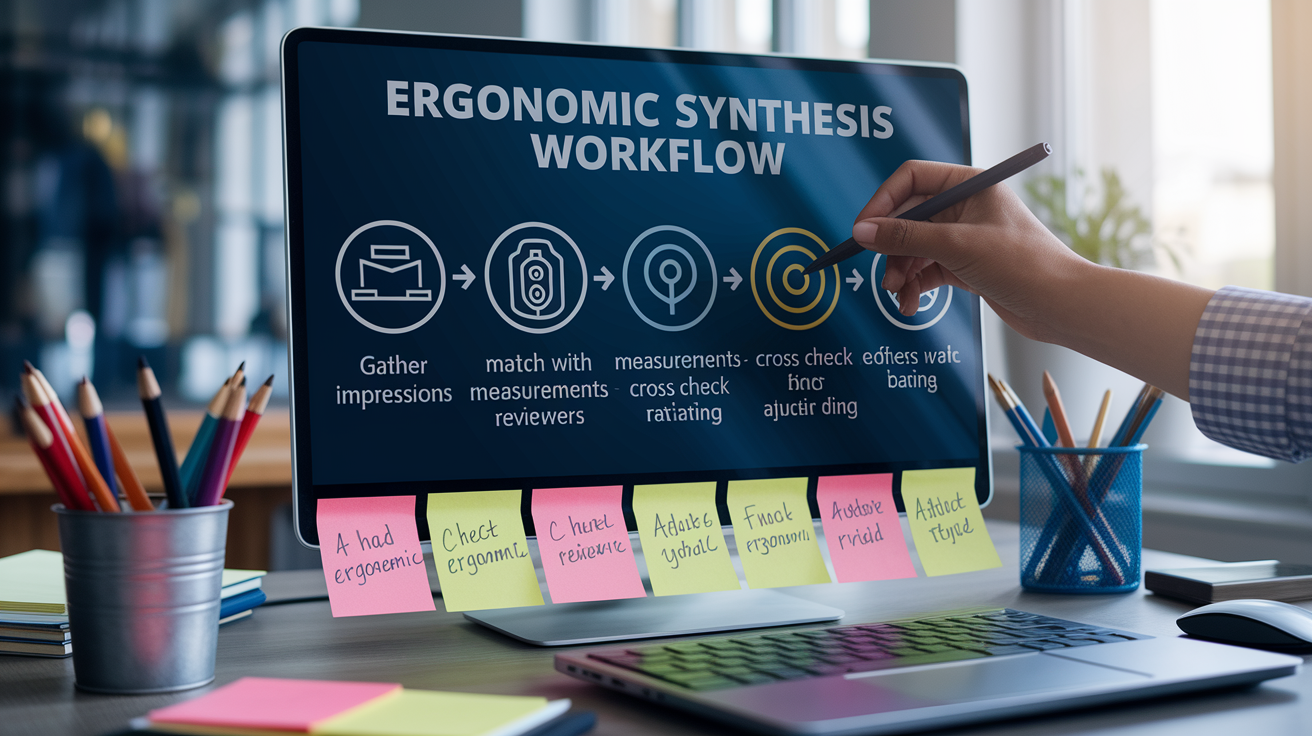
Raw ergonomic clues from multiple hands‑on reports need structured synthesis to produce a dependable evaluation.
Weight every observation by three factors: the reviewer’s stated or inferred hand size match to your target user, the presence of objective measurements backing the claim, and the consistency of the observation across sources. A single reviewer’s complaint about button reachability carries less weight than four reviewers mentioning the same issue. A subjective comfort claim without supporting dimensions or photos is weaker than one accompanied by measured grip span or timed use.
Simple five‑step synthesis workflow:
- Gather impressions. Collect all subjective comments about grip, balance, reach, buttons, and materials from at least three independent hands‑on reports.
- Match with measurements. Cross‑reference each subjective claim with the device’s official specs (weight, dimensions, button coordinates) and any reviewer‑provided measurements.
- Cross‑check reviewers. Identify which observations repeat across multiple sources and which appear only once. Repeated signals indicate genuine ergonomic characteristics.
- Adjust for bias. Downweight feedback from reviewers with visibly mismatched hand size or strong brand loyalty. Prioritize reviewers who provide context (hand size, test duration, comparison devices).
- Create a final ergonomic rating. Assign a 1–5 score for each dimension (grip comfort, reachability, balance, button design, material friction), then compute a weighted average to produce an overall ergonomic score.
Once you assign scores, document your confidence level. High confidence requires at least four reviews, at least two with objective measurements, and consistent findings across hand sizes. Low confidence applies when reviews conflict, lack measurements, or come from a narrow reviewer pool. This transparency helps you and your readers understand when an ergonomic assessment is preliminary versus robust, and signals when hands‑on testing or additional reviews are needed before forming a final judgment.
Final Words
Start with the action: scan for grip feel, weight balance, button reach, and one‑hand usability. Early hands‑on notes on curvature, thickness, and edge sharpness are the clearest clues reviewers give.
Decode wording, cross‑check measurements, and correct for hand‑size and bias. Match impressions to specs, then run the simple synthesis workflow from this guide to get a consistent rating.
Use this checklist to learn how to compare in-hand ergonomics from launch hands-on reports fast — you’ll be able to pick a phone that actually feels right.
FAQ
Q: What is the 30/30 rule in ergonomics?
A: The 30/30 rule in ergonomics is a microbreak habit: every 30 minutes take about 30 seconds to change posture, stand, or stretch to reduce muscle tension and eye strain during long tasks.
Q: What is the 90-90-90 rule in ergonomics?
A: The 90-90-90 rule in ergonomics sets three 90° angles—hips, knees, and elbows—for a neutral sitting posture; pair this with feet flat, forearms parallel to the desk, and the monitor at eye level.
Q: What are the 5 pillars of ergonomics?
A: The 5 pillars of ergonomics are posture/body mechanics, workstation and tool design, task and movement design (repetition), environmental factors (lighting, noise), and individual fit (anthropometry and training).
Q: How can you evaluate ergonomic practices?
A: You can evaluate ergonomic practices by observing tasks, measuring key angles and reach, checking tool fit and weight, surveying users for discomfort, and comparing results to ergonomic standards or checklists.