

What if your next phone drops and you only find out after the pre-order window closes?
You can get real-time launch alerts in minutes—no guessing, no endless scrolling.
This quick guide shows the fastest setup: pick sharp keywords, enable the right notifications, and subscribe to one reliable source so you get the news as it happens.
It’s for deal hunters, reviewers, and anyone who hates missing early access, and later sections cover Google Alerts, RSS feeds, retailer watches, and simple automation to make alerts redundant.
Quick-Start Setup for Smartphone Launch Alerts
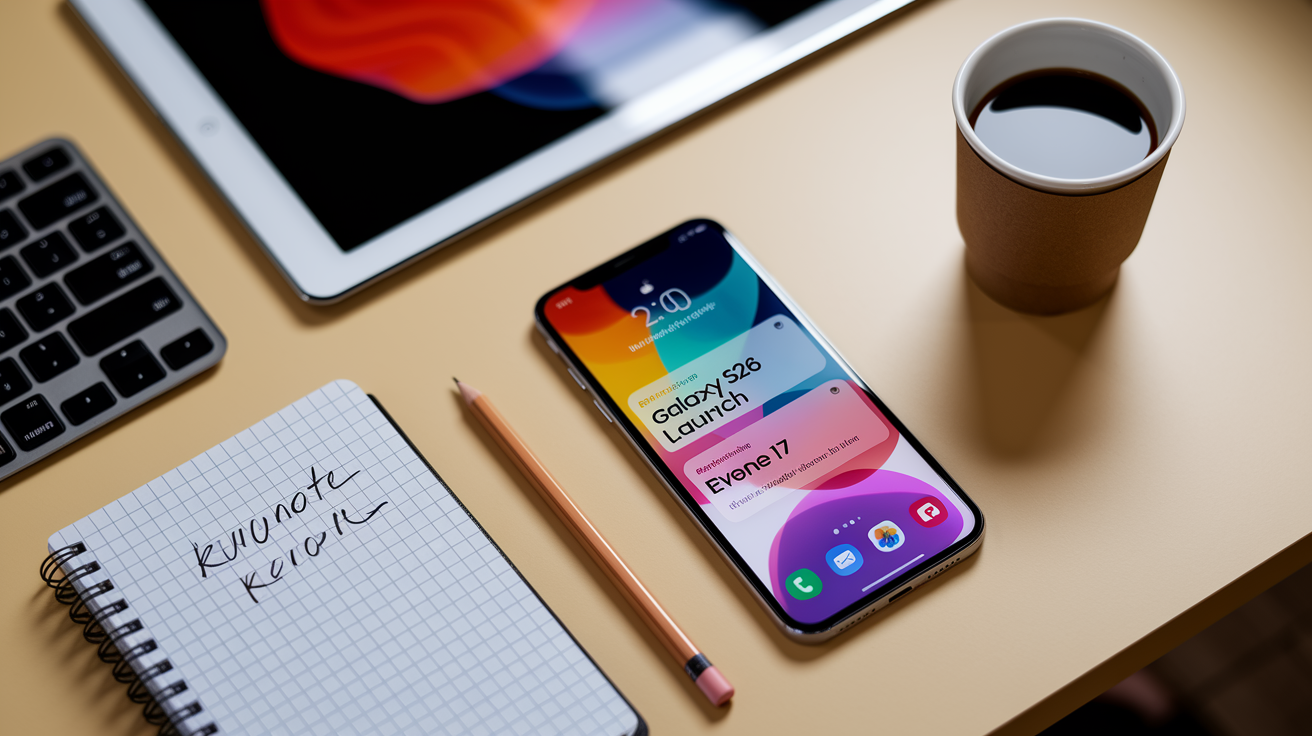
You can get smartphone launch alerts running in minutes. The key is picking the right alert sources and making sure your device actually receives them.
Start with strong keywords that mix brand names with words like “launch,” “release date,” or “announcement.” Something like “Galaxy S26 launch” or “iPhone 17 event” cuts through the noise and gives you what matters. Then check your notification permissions. News apps, email clients, browser push notifications… they won’t work if your phone blocks them.
This is your fastest basic setup before we get into the detailed stuff later. You’ll tweak these alerts once you figure out which sources actually deliver accurate, timely info.
1) Create a basic Google Alert using the device name + “launch.” The Galaxy S26 launch drew over 3 million live viewers, proving keyword alerts are critical.
2) Turn on notifications from one tech news site you trust
3) Follow one official brand channel and flip notifications on
4) Subscribe to one manufacturer newsletter
5) Drop a placeholder calendar reminder for expected launch windows
6) Double-check notification permissions across your devices and apps
Using Google Alerts to Track Smartphone Release Announcements
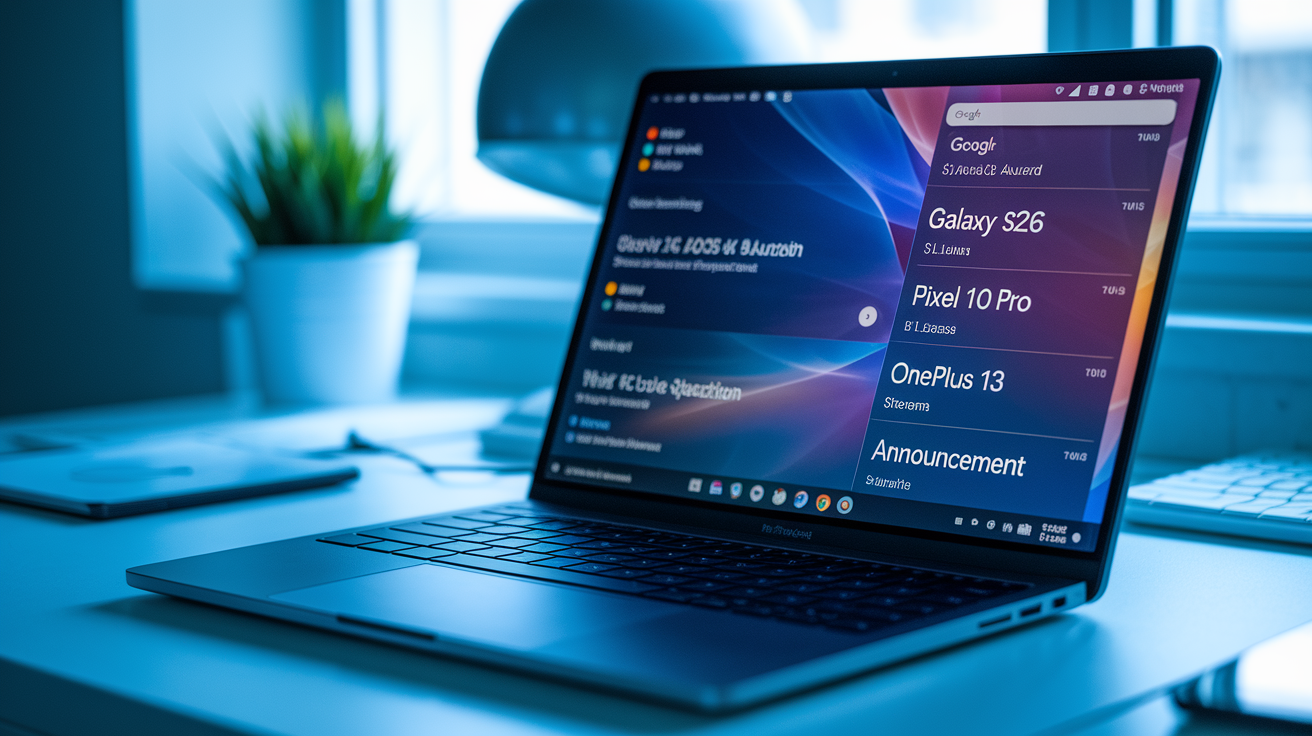
Google Alerts scans the web for your keywords and sends updates when new articles show up. It’s free and works best with narrow terms using model numbers and product codes, like “Pixel 10 Pro release” or “OnePlus 13 announcement.” Multiple alerts for different devices keep you covered without burying you in junk.
Fine-tune by adjusting frequency to “as-it-happens” for time-sensitive launches. Limit sources to “news” only to cut down blog spam. Set your language and region to match your market. Choose between email delivery or RSS feed based on how you like to stay updated.
Good alert keywords:
- “Galaxy S26 launch.” When Samsung teased the Galaxy S26 on social media, Google Alerts subscribers got the news within 90 seconds.
- “iPhone 17 event date”
- “Pixel 10 Pro release”
- “Xiaomi 15 Ultra announcement”
- “Nothing Phone (3) official unveiling”
Setting Up Tech News and RSS Feeds for Phone Launch Tracking
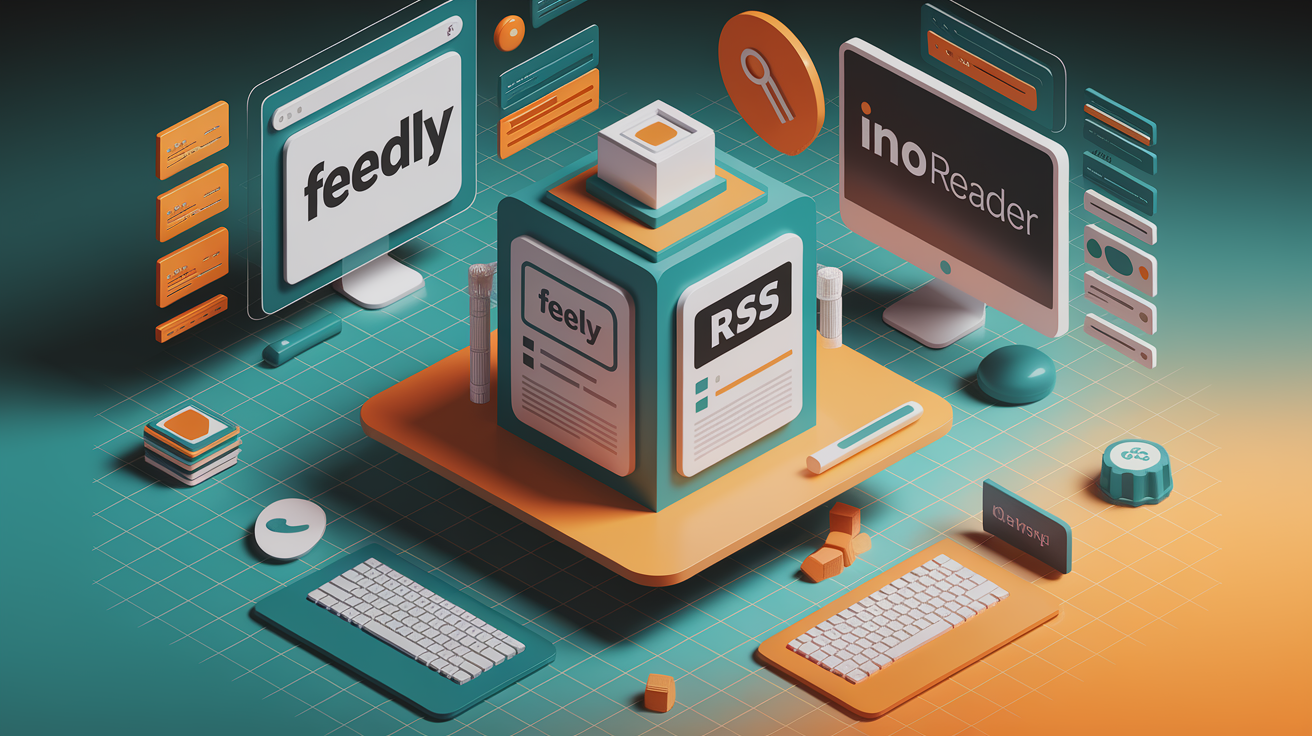
RSS feeds send article updates from tech news sites straight to your feed reader, skipping email inboxes and social algorithms. Tools like Feedly, Inoreader, or The Old Reader let you subscribe to feeds from sites covering smartphone launches. You see headlines the moment they publish.
Browser or app push notifications from tech news sites need your consent first. They typically send 1 to 3 alerts per day. Enable these by clicking “Allow” when a site asks, then manage settings in your browser or app to control volume and types of updates.
Best practices? Control frequency to avoid overload. Only subscribe to sites with solid editorial standards. Use feed folders to organize alerts by brand or urgency. If you’re tracking multiple launches at once, separate feeds stop important announcements from getting lost.
| Source | Type of Alert | Recommended Use |
|---|---|---|
| The Verge, CNET, GSMArena | RSS feed + browser push | Daily updates and breaking news |
| Android Authority, 9to5Google | RSS feed | Android-focused launches |
| MacRumors, AppleInsider | Browser push + email digest | Apple event tracking |
Subscribing to Smartphone Manufacturer Newsletters and Event Invites
Official manufacturer newsletters are your earliest reliable source for launch announcements, event RSVPs, and pre-order windows. Brands send event invitations, launch reminders, and registration confirmations directly to subscribers, often before public press releases or media coverage.
Some manufacturers use multi-step consent flows, asking you to verify your email or select preferences during signup. After subscribing, check your inbox for a confirmation link and mark the sender as “not spam” so future messages reach your primary inbox.
Where to sign up:
- Samsung Newsroom and Samsung Members app for Galaxy Unpacked event invites
- Apple Newsroom and Apple Store app for iPhone and product launch notifications
- Google Store newsletter for Pixel launch updates and early access
- OnePlus Community newsletter for flagship announcements and flash sales. OnePlus Community subscribers got a 24-hour VIP pre-order window before the OnePlus 12 went public.
Staying Updated Through Social Platforms and Influencer Alerts
YouTube Premieres and channel alerts let you get notifications when tech channels schedule live launch events or first-look videos. Subscribe to channels like Marques Brownlee (MKBHD), Mrwhosetheboss, or Linus Tech Tips, then click the bell icon and select “All” to get notified about every upload and live stream.
X notifications for journalists and analysts surface breaking news and official announcements in real time. Follow reporters from Bloomberg, The Verge, Android Police, and 9to5Mac, then turn on mobile notifications for their accounts to see posts as they happen. Many leaks and embargo-lifted reviews show up on X before anywhere else.
Reddit communities like r/Android, r/Apple, and r/Smartphones gather launch rumors, official announcements, and user discussions in dedicated megathreads. Use Reddit’s “custom feed” feature to group these communities, and turn on push notifications for posts tagged “Official” or “News” to filter noise from speculation.
Verifying Rumors Before Acting
Cross-check leak info with official sources before making purchasing decisions or sharing news. Reliable leakers often have track records you can verify through past accuracy. Anonymous “insider tips” on forums? Probably speculation. Look for corroboration from multiple independent sources, FCC filings, or retailer listings before treating a rumor as confirmed. A widely shared “leak” about the iPhone 16’s launch date turned out to be fan fiction. Official Apple invites arrived two weeks later.
Using Retailer Alerts and Pre-Order Notifications for New Phones
Retailer watchlists and stock alerts notify you via email or SMS when a new phone gets listed for pre-order or comes back in stock after selling out. Amazon, Best Buy, and major carriers offer these features, letting you add a device to your watchlist even before it’s officially available.
Carriers like Verizon, T-Mobile, and AT&T send price-drop or product-launch alerts with frequency caps to avoid overload. Amazon’s “Notify Me” button on product pages triggers an email when pre-orders open. Best Buy’s app sends push notifications for in-store availability and exclusive bundles.
Steps to set up pre-order alerts:
1) Visit the retailer’s product page for the expected phone model
2) Click “Notify Me,” “Get Stock Alert,” or “Add to Watchlist”
3) Enter your email or phone number and confirm consent
4) Choose notification preferences (email, SMS, or app push)
5) Verify the alert in your inbox or app notification history
Advanced Automation: IFTTT, Zapier, and Custom Monitoring Tools
IFTTT triggers for tech news let you create “applets” that watch RSS feeds, subreddit posts, or YouTube channels and forward updates to your preferred platform. You can build an applet that sends a Telegram message whenever a specific tech blog publishes an article containing “launch” or “announcement,” skipping email and delivering alerts where you’re already active.
Zapier workflows aggregate alerts by connecting multiple sources into a single action. Monitor Google Alerts, RSS feeds, and X mentions at the same time, then log every match to a Google Sheet or send a consolidated daily digest. These workflows need accurate keyword filtering to avoid false positives, especially when tracking common terms like “Pro” or “Ultra.”
Advanced monitoring like FCC filings or Bluetooth SIG databases surfaces devices months before public announcements. New smartphone models must pass regulatory approval, and filings often include model numbers, wireless specs, and manufacturer names. Tracking these databases requires setting up keyword alerts for brand identifiers and checking weekly for new entries. The Galaxy S25 Ultra appeared in FCC records six weeks before Samsung’s official event, confirming its model number and 5G bands.
Building Multi-Layered Alerts
Combining channels makes sure you don’t miss a launch even if one alert fails. Pair email Google Alerts with SMS notifications from retailers and push alerts from manufacturer apps, creating redundancy that accounts for delivery delays or spam filters.
Multi-layered automation examples:
- IFTTT applet: new RSS post from GSMArena sends SMS via Twilio
- Zapier workflow: X mention of “iPhone 17” by verified account logs to Airtable + sends email
- Google Alerts + Slack integration: keyword match posts to dedicated Slack channel
- Reddit + Discord bot: r/Android “Official” flair auto-posts to Discord server
Managing Notification Overload and Privacy While Tracking Launches
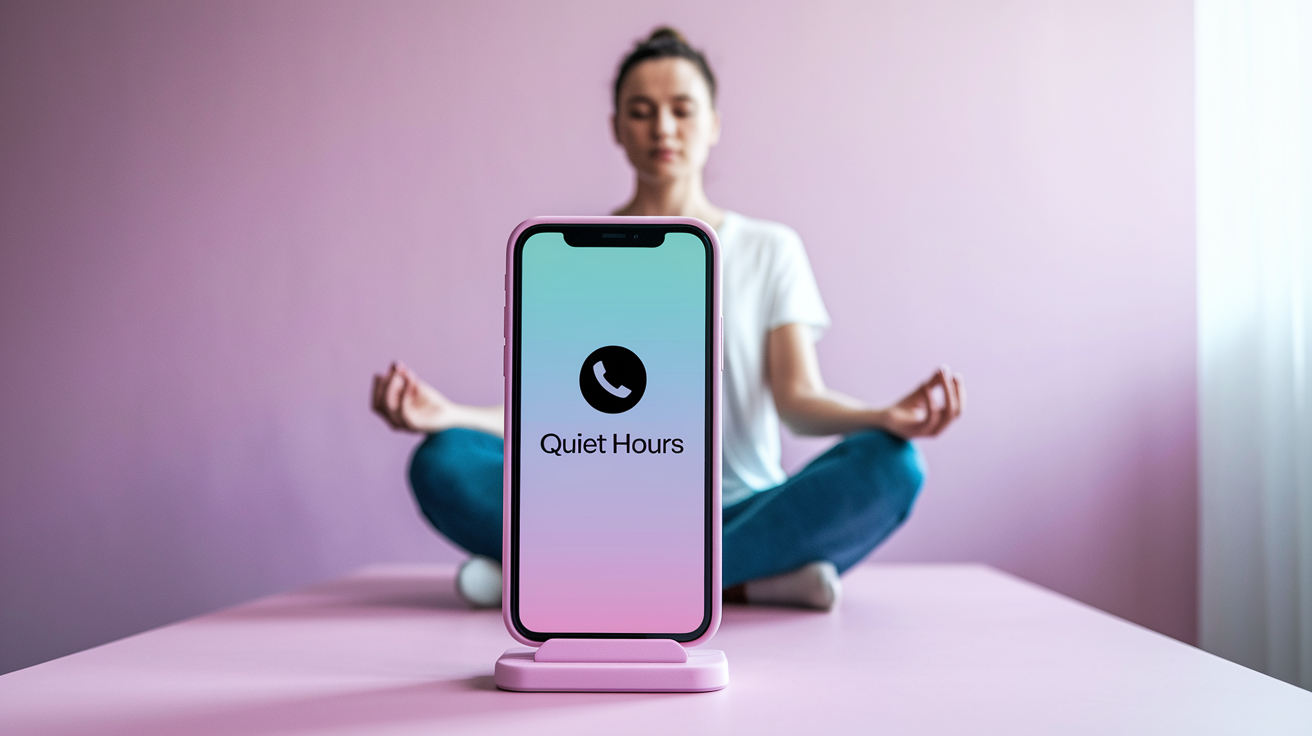
Best practices for managing volumes include setting frequency caps, aiming for 1 to 3 alerts per week for general interests and reserving real-time notifications only for high-priority launches. Use quiet hours in your phone’s settings to silence alerts during sleep or work, and consolidate lower-priority sources into daily or weekly digests.
Privacy and consent considerations matter when subscribing to alerts. Manufacturer newsletters and retailer systems store your email and may track click behavior. Review privacy policies before signing up, and use a dedicated email address for launch alerts if you want to keep marketing separate from personal communication. Unsubscribe links must be honored immediately, and consent records should be transparent.
Recommendations for clean alert systems:
- Enable quiet hours (like 10 PM to 7 AM) to avoid nighttime disruptions
- Filter sources by editorial quality and reduce duplicates from aggregator sites
- Unsubscribe from low-value newsletters after evaluating one month of messages
- Consolidate channels by routing all alerts to a single email folder or Slack workspace
Building a Unified Dashboard to Monitor All Smartphone Launch Alerts
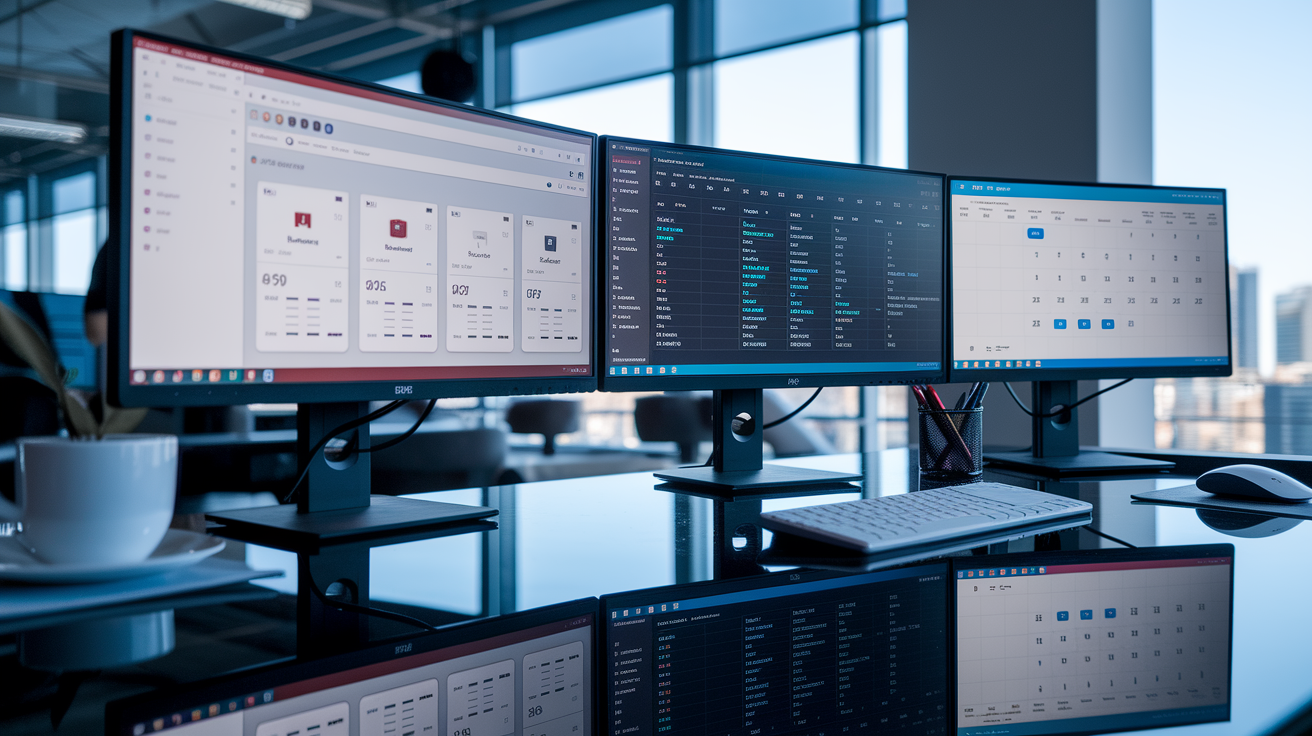
Consolidating alerts into dashboards or spreadsheets gives you a single view of upcoming launches, leaked dates, and confirmed events. Use a Google Sheet or Notion database to log device names, expected announcement dates, pre-order windows, and the sources reporting each rumor, then update rows as official confirmations arrive.
Syncing calendars and reminders for launch dates makes sure you get time-based prompts even if alerts fail. Add manufacturer event invites to Google Calendar, set reminders for 24 hours and 1 hour before, and use task managers like Todoist to create checklists for pre-order steps or review-watching schedules.
| Tool | Use Case | Recommended Setup |
|---|---|---|
| Google Sheets | Tracking multiple launches and rumor sources | Columns: Device | Launch Date | Source | Status | Pre-Order Link |
| Google Calendar | Time-based reminders for events and pre-orders | Add event invites; set 24-hour and 1-hour alerts |
| Notion or Airtable | Centralized database with tags and filters | Tag by brand, priority, and confirmed vs. rumored |
Final Words
Get alerts up and running in minutes. This guide gave a quick-start checklist, showed how to tune Google Alerts and RSS/push, covered manufacturer newsletters, social and retailer notices, and offered automation, privacy and dashboard tips.
Pick 2–3 channels, choose tight keywords, confirm notification permissions, and test one alert now — it only takes a few minutes.
If you follow these steps on how to set up alerts for upcoming smartphone launches, you’ll stay first to know and avoid the noise.
FAQ
Q: Why am I not getting an emergency alert on my phone?
A: You’re not getting emergency alerts because they’re turned off, silenced by Do Not Disturb, blocked by carrier/region, or your OS needs updating; check Settings > Emergency Alerts, then restart or update your phone.
Q: How do I add alerts to my phone and get breaking news alerts?
A: You add alerts and get breaking news by enabling app or browser notifications, following one trusted tech site or official brand channel, creating Google Alerts for model names, and allowing push notifications in Settings.
Q: What is the difference between alerts and notifications?
A: The difference between alerts and notifications is that alerts are time‑critical, higher‑priority messages (like AMBER or severe weather), while notifications are regular app updates you can tune or mute in Settings.