

Can you trust a phone’s launch claims?
At every smartphone event, reporters rush to demo tables to check if marketing matches reality.
Verification happens fast, usually 10 to 30 minutes of hands-on time, and it combines quick visual checks, system menus, and diagnostic apps.
This piece shows how journalists use benchmarks, EXIF data, and power checks to confirm CPUs, RAM, camera specs, battery and charging speeds.
It also explains what to watch for when demo units are locked or spec sheets are vague.
How Journalists Confirm Smartphone Specs During Launch Events: Quick Overview

The second a manufacturer wraps up its presentation, journalists rush to the demo tables. Their mission? Make sure the marketing talk matches what’s actually in the phone. Verification at these events is all about speed and accuracy, mixing quick visual checks with system diagnostics that get done in minutes, not hours.
Most fact-checking combines hands-on hardware inspection with software tools. Reporters look at physical stuff like camera bumps, port types, and screen bezels while running diagnostic apps to grab CPU names, RAM amounts, and storage specs straight from the device. PR teams hand out official spec sheets, but experienced journalists know those sheets can lag behind or skip important details like how the phone handles heat or which codecs it actually supports.
Time pressure makes this whole thing feel like a sprint. You usually get 10 to 30 minutes of hands-on time per device, and some units are locked down or running pre-release firmware that blocks certain settings. The smart approach? Use a checklist that tackles the fastest, most important checks first.
Five-step verification workflow:
- Look over the device for port types, button positions, camera layout, and any visible model or serial numbers.
- Jump into system settings to confirm RAM, storage option, OS version, model number, and chipset where it’s shown.
- Install or open diagnostic apps (CPU-Z, AIDA64, Geekbench) to pull detailed hardware data and run a quick benchmark.
- Take sample photos in different lighting and check EXIF metadata for sensor size, aperture, and focal length.
- Compare everything against the official spec sheet, flagging anything missing, conflicting, or unverified for later follow-up with review units.
On-Device Spec Confirmation Using System Menus

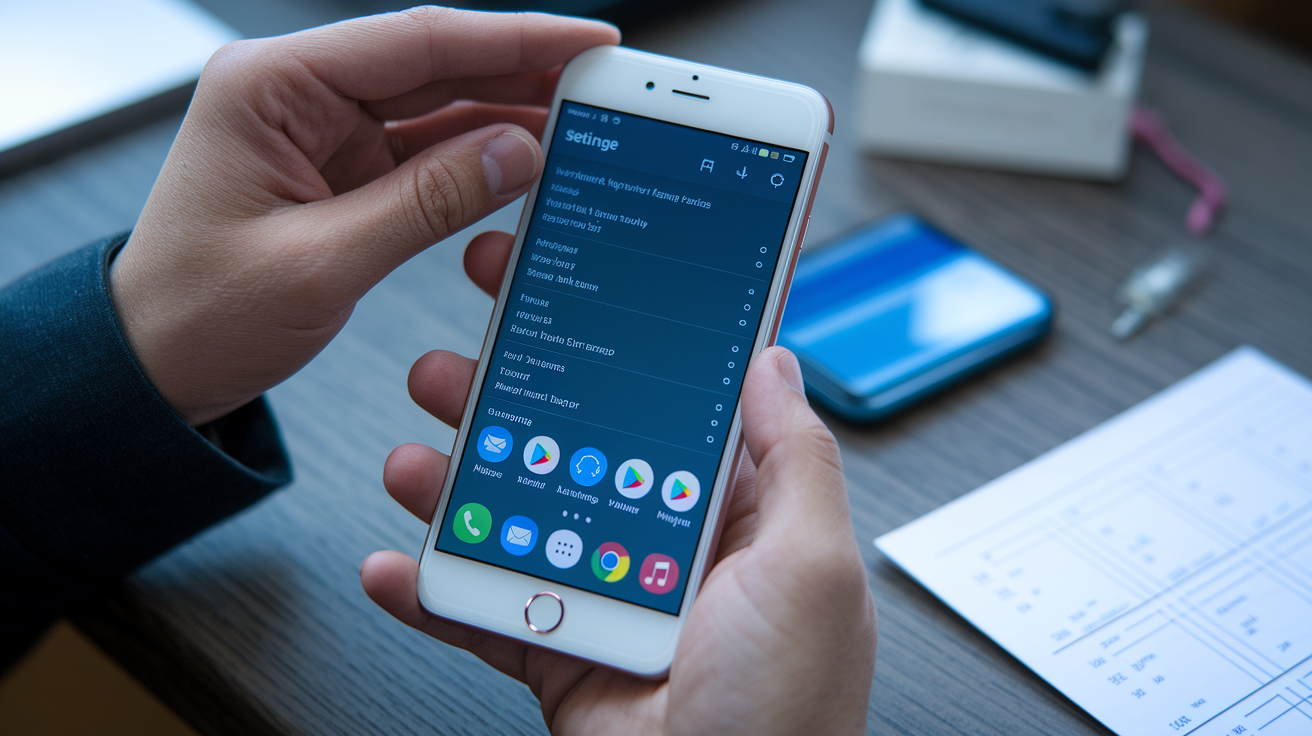
Before installing apps, journalists go straight to the phone’s built-in settings. Most Android phones show RAM size, total storage, available storage, Android version, security patch level, and model number under “About phone.” Some manufacturers also list processor names, though these sometimes use marketing labels instead of technical ones. That means you’ll need to cross-check with spec sheets or diagnostic apps.
Not every demo device gives full access. Companies sometimes lock settings menus, disable developer options, or run demo modes that hide certain details. When that happens, journalists write down the restriction and mark it as something to check later. Even partial access still helps. Confirming that the advertised 12 GB of RAM matches the system report, or verifying the storage actually uses UFS 3.1 instead of older UFS 2.1, gives instant validation of key marketing claims.
What you can reliably check via system menus:
- RAM capacity and whether virtual RAM expansion is turned on
- Total and available storage, plus filesystem type
- Android version, security patch date, and build number
- Model number, IMEI (if accessible), and regional variant codes
Quick Diagnostic and Benchmark Tools for Real-Time Validation
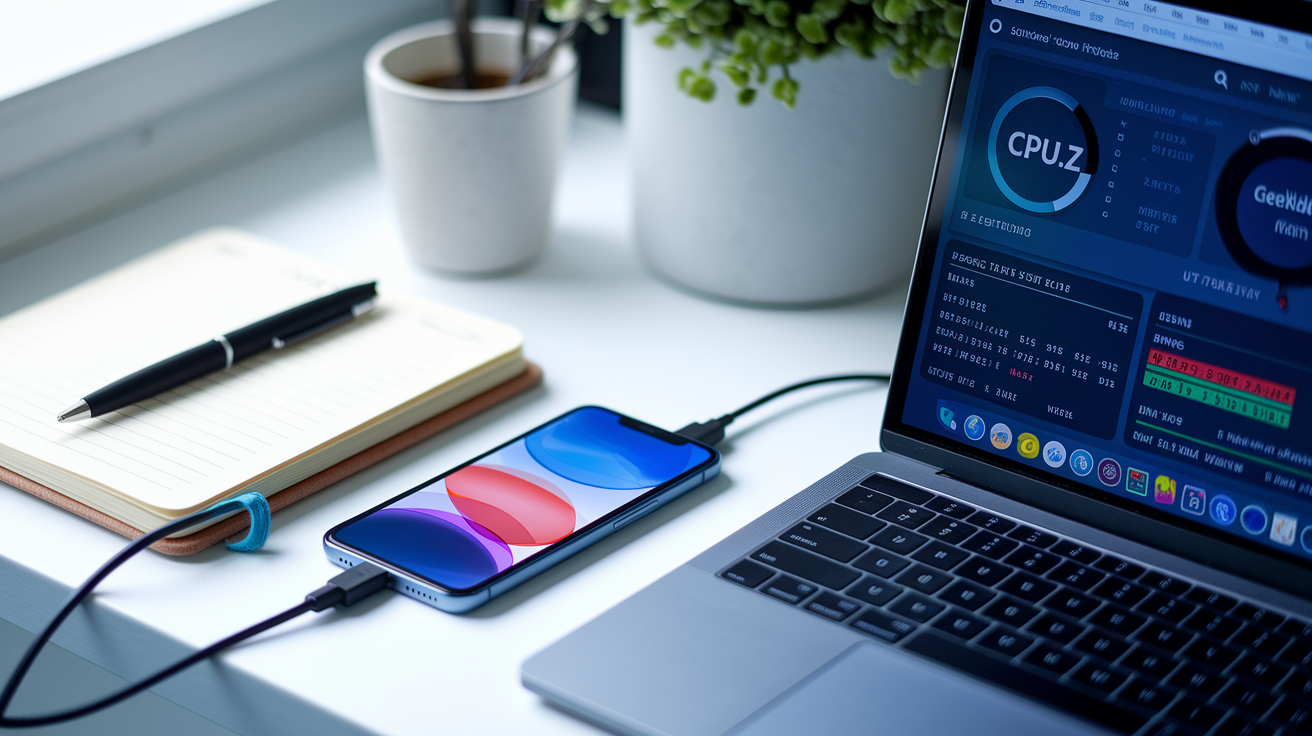
Once basic system checks are done, journalists pull up apps that dig deeper into hardware details. CPU-Z is a favorite because it lists the exact chip name, CPU cluster setup, individual core speeds, GPU model, RAM type and speed, and display resolution. Within seconds, a reporter can confirm whether the device actually runs a Snapdragon 8 Gen 3 with an Adreno 750 GPU or if the spec sheet rounded up a lower-tier version.
Geekbench gives quick single-core and multi-core CPU scores that show performance levels and help catch pre-release optimization or throttling. A five-minute Geekbench run produces a shareable result URL that backs up claims with real numbers. “The prototype scored 1,850 single-core, slightly below the 1,950 advertised in controlled environments.” AIDA64 adds to this by showing memory bandwidth, storage read and write speeds, and sensor lists, often catching things like a missing gyroscope or an unexpected downgrade in storage performance.
Launch units sometimes block app installations or run in kiosk modes that prevent sideloading. When diagnostic apps are restricted, journalists use whatever native tools are available. Display settings to confirm refresh rates, battery menus to check charging protocols, and camera apps to verify resolution modes. The goal stays the same: gather as much confirmable data as the device allows, document any access barriers, and flag unverified claims for deeper testing once review units show up.
Camera Hardware and Feature Verification

Camera claims dominate smartphone launches, so journalists check every lens and sensor detail they can access. Physical inspection comes first. Counting camera modules, looking for periscope bumps that signal telephoto lenses, and reading any engraved focal lengths or aperture markings on the lens housing. Some manufacturers print sensor sizes or megapixel counts near the modules, giving instant visual confirmation of advertised specs.
Rapid Hands-On Camera Testing
Software validation happens through quick sample shooting. Journalists capture a standard test sequence: daylight outdoor, indoor moderate lighting, low light or dim corner, ultra-wide and telephoto if available, and night mode or long-exposure shots. The goal isn’t a full review but a quick reality check. Does the telephoto lens actually activate at 3x, or does the phone just crop a main sensor shot? Does night mode trigger noticeably longer exposures, or is it just software brightening?
EXIF metadata provides hard proof. A quick look at a captured RAW or JPEG file shows the true focal length, aperture, ISO range, and sometimes the sensor make and model. If a manufacturer claims a 50-megapixel main camera with an f/1.8 aperture and a 1/1.3-inch sensor, but EXIF shows 12-megapixel output and f/2.0, that mismatch needs immediate clarification. Journalists also test claimed features like optical image stabilization by shooting handheld video and checking for smooth panning versus digital crop and warp behavior.
Battery, Charging, and Power Management Verification

Battery capacity often appears only in fine print or regulatory labels, making physical inspection important. Journalists flip demo units to check for printed mAh ratings on removable covers or look at spec sheets for listed capacities. When those sources conflict or stay quiet, the first fallback is checking battery settings menus. Some devices display design capacity or current health percentages that confirm advertised figures.
Charging verification starts with the included adapter. Reporters note the printed wattage marking (18W, 25W, 65W, 120W) and compare it to marketing claims. If the manufacturer announced 67W fast charging but the demo table supplies a 33W brick, that’s a documented issue. Plugging the device in and watching the lock screen or settings menu for charging speed indicators (“Super Fast Charging,” “Turbo Charge,” or numerical watt displays) gives real-time confirmation that the advertised protocol actually activates.
Four-step battery and charging verification checklist:
- Find printed battery capacity on the device, packaging, or spec sheet.
- Check system battery settings for design capacity or current charge metrics.
- Look at the power adapter for output wattage and voltage/amperage ratings.
- Plug in the device and confirm that fast-charging modes appear on-screen or in settings.
Cross-Checking Specs with Manufacturer Documentation and Industry Databases

Official spec sheets handed out at launch events work as the primary reference, but journalists treat them as starting points rather than final answers. These sheets sometimes have placeholders, rounded figures, or omissions. Battery life listed as “all-day” instead of mAh, display brightness noted as “bright” without nit measurements, or chipset names given without process node or clock speeds. Cross-referencing these sheets against regulatory filings, chipset manufacturer databases, and independent component trackers shows the gaps.
Regulatory bodies publish detailed filings that confirm radio bands, SAR values, and sometimes battery capacities. Chipset manufacturers like Qualcomm and MediaTek keep public spec databases listing core counts, GPU models, and supported features for each SoC variant. When a manufacturer claims a custom chip but gives no technical breakdown, journalists look up the likely base platform and note what’s confirmed versus what remains proprietary or unspecified.
| Data Source | What It Confirms | Limitations |
|---|---|---|
| PR spec sheet | Advertised features, storage/RAM tiers, official pricing, launch-day claims | May skip technical details, use marketing terms, or contain placeholder data for pre-release models |
| FCC/regulatory filings | Battery capacity, radio bands, SAR limits, charger output ratings | Filings lag behind announcements; some markets file later or under different model codes |
| Chipset maker databases | CPU/GPU architecture, process node, peak clock speeds, ISP capabilities, modem specs | Custom or binned chips may differ from public spec; manufacturer tuning affects real-world behavior |
Post-Event Verification After Initial Hands-On Testing

Launch event checks give you a snapshot, but full verification takes days or weeks with a review unit. Manufacturers typically ship pre-release or final retail devices to journalists within 24 to 72 hours of an announcement, which lets them do deeper testing that’s impossible in a crowded demo area. These units allow extended benchmark loops, controlled battery drain tests, thermal imaging during sustained workloads, and side-by-side camera comparisons under lab conditions.
Journalists use this window to confirm claims that were impossible to test on-site. A 15-minute GPU stress test at launch might show no throttling, but a two-hour gaming session on a review unit reveals a 20 percent performance drop and a rear panel hitting 45 degrees Celsius. Battery life marketed as “two-day endurance” gets validated through standardized video-loop tests at controlled brightness, with actual runtime logged in hours and minutes rather than vague promises. Camera quality moves from quick samples to careful testing across lighting zones, zoom ranges, and video stabilization scenarios.
Some features stay locked or unfinished at launch, needing post-event software updates before journalists can test them. If a manufacturer announces a new night-video mode or AI photo-editing tool but the demo units don’t include it, reporters note the gap and schedule follow-up testing once the feature rolls out. This staged verification process makes sure published reviews reflect real-world, consumer-ready performance rather than controlled demo conditions or incomplete preview builds.
Final Words
In the action, we ran through the core ways reporters check claims at launches: system menus, quick diagnostic apps, on‑device camera checks, charger and battery inspections, and PR spec comparisons.
Those steps — check SoC and storage in settings, run CPU‑Z/Geekbench, inspect EXIF and lens markings, confirm charging wattage, then cross‑check official sheets — form a fast verification workflow you can use.
Understanding how journalists verify smartphone specs during launch events helps you judge launch claims more calmly. With these checks, you’ll spot real features faster and skip the hype.
FAQ
Q: What are the 4 C’s of journalism? What are the three standards journalists use to evaluate news?
A: The 4 C’s of journalism are credibility, clarity, context and confirmation; the three core standards journalists use are accuracy, fairness and relevance—guides for trustworthy reporting and verification.
Q: What are the 7 steps of mobile journalism?
A: The 7 steps of mobile journalism are: gear prep, story planning, capture (video/audio), on-device fact-checking, quick editing, add captions/metadata, and publish to platforms.
Q: How do smartphones affect journalism?
A: Smartphones affect journalism by enabling instant reporting, wider eyewitness coverage and cheaper production, while raising verification challenges and quality trade-offs that demand strict fact-checking and clear sourcing.