

What if your favorite charger suddenly stops working with your phone?
The EU’s USB‑C rule is forcing phones, tablets, cameras, and even some laptops to switch, and that changes accessory compatibility fast.
USB‑C fixes the plug shape but not the tech inside.
This post explains what will still work with simple adapters, what will need new cables or docks, and why charging speed, data rates, and video output now depend on cable and port specs.
Read on to learn what to check before you buy replacements.
How USB‑C Standardization Directly Affects Accessory Compatibility
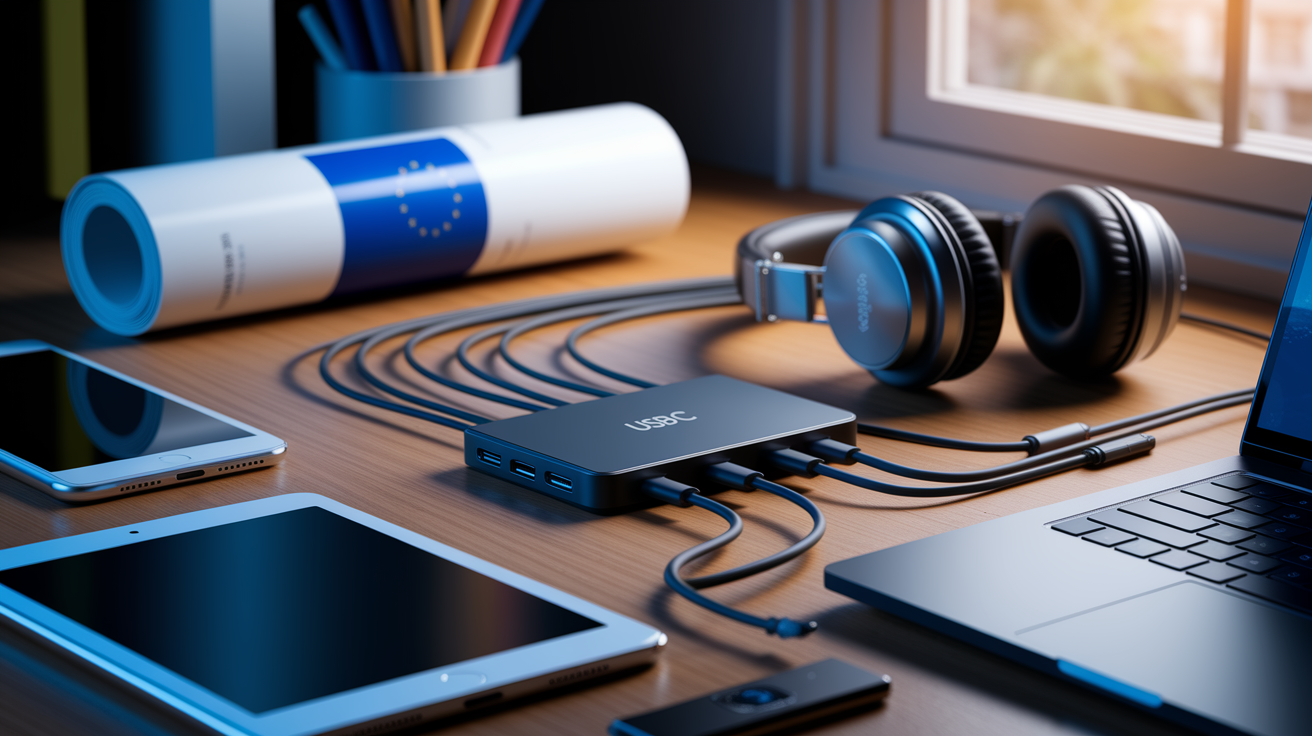
The EU’s mandate landed a deadline: smartphones, tablets, digital cameras, headphones, portable speakers, handheld video game consoles, e-readers, and similar devices need USB‑C charging ports by December 28, 2024. Laptops get until April 28, 2026. This regulatory shove forces manufacturers to ditch proprietary ports like Lightning and micro‑USB stragglers. The rule covers products sold in the EU market, which means global brands will probably standardize everywhere instead of juggling separate product lines.
Accessory compatibility gets messy during the switchover. Your old Lightning, micro‑USB, or USB‑A stuff won’t plug straight into new USB‑C ports. You’ll grab passive adapters for basic charging or buy entirely new cables rated for your device’s power and data needs. Legacy accessories can technically work with the right adapter for simple charging, but things like fast charging, high‑speed data transfer, and video output? Those need cables and adapters that support specific protocols beyond just fitting the hole.
The USB‑C port itself doesn’t promise uniform performance. Charging speed depends on whether your device and charger both speak USB Power Delivery (PD) and what wattage they agree on. Data transfer rates get capped by whichever USB version the cable and device share: USB 2.0 at 480 Mbps, USB 3.2 Gen 1 at 5 Gbps, or USB4/Thunderbolt hitting up to 40 Gbps. Video output requires cables and ports that handle DisplayPort or HDMI Alternate Modes. A cheap passive adapter solves the shape problem but won’t magically add missing capabilities.
Five real compatibility effects worth noting:
-
Charging compatibility shifts – Basic charging works across most USB‑C chargers and cables, but you need to check minimum and maximum wattage labels so your stuff charges at normal speed.
-
Fast‑charging inconsistencies – Devices support different fast‑charge protocols (USB PD, proprietary vendor extensions), so not every high‑wattage charger triggers maximum charging speed on every phone or tablet.
-
Data‑transfer limitations – A USB‑C cable rated only for USB 2.0 will bottleneck external SSD transfers or large file syncs even when the device supports USB 3.2 or USB4.
-
Video/Alt Mode restrictions – Connecting a USB‑C laptop to a monitor via HDMI or DisplayPort requires a cable or adapter explicitly supporting the relevant Alternate Mode. Passive USB‑A‑to‑USB‑C adapters typically don’t pass video signals.
-
Legacy‑accessory obsolescence risk – Accessories designed exclusively for Lightning or micro‑USB (certain headphones, portable chargers with built‑in cables, car chargers) get stranded without compatible adapters or complete replacement.
USB‑C Connector and Standards That Influence Accessory Behavior
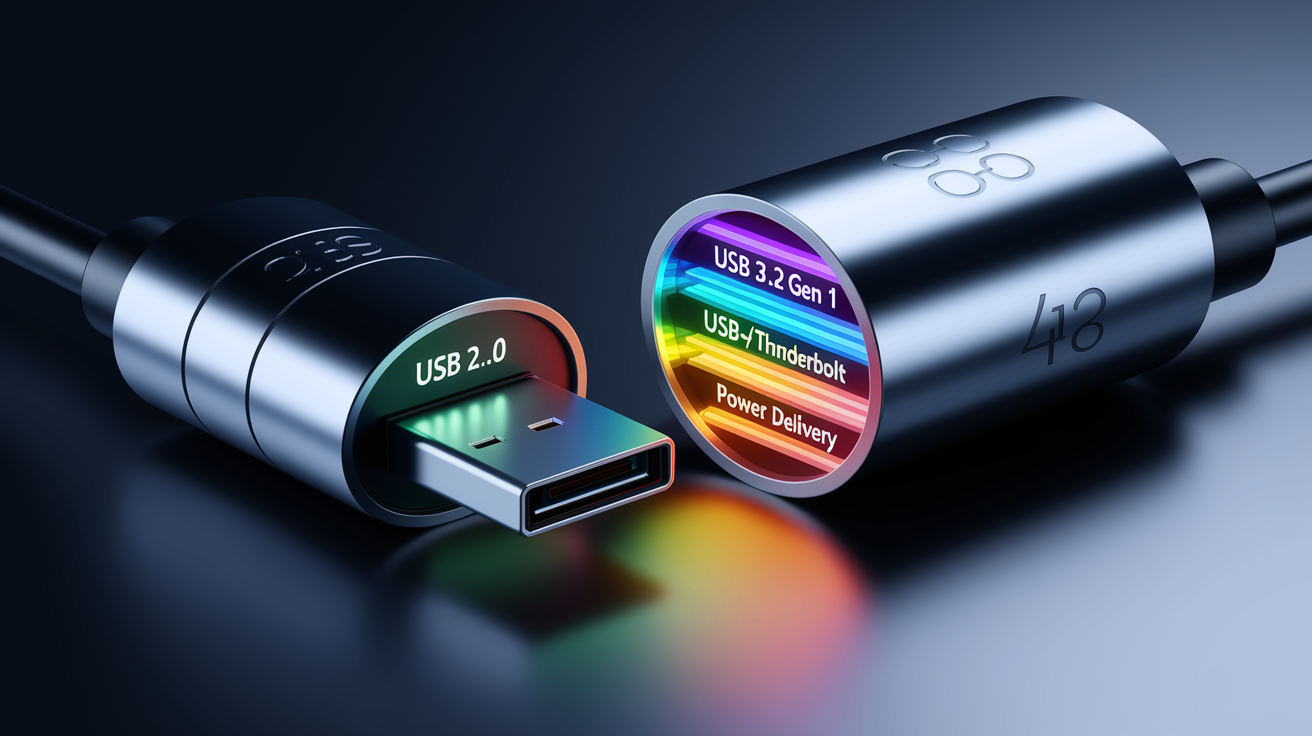
USB Type‑C arrived in 2014 to cut e‑waste by unifying ports across consumer electronics. The connector is reversible and physically identical across all compliant devices. But internal capabilities swing wildly. A USB‑C port might carry only USB 2.0 data and 15 watts of power, or it might support USB4 at 40 Gbps, 100 watts of USB Power Delivery, and DisplayPort video simultaneously. The connector shape alone tells you nothing about these features.
Cables differ too. E‑marked cables contain a small chip that tells the host device the cable’s max current, voltage, and data‑transfer capability. High‑wattage USB PD cables (supporting 100 W or the newer 240 W PD 3.1 Extended Power Range) must be e‑marked to safely negotiate higher currents. A basic unmarked cable may handle charging for a phone but fail to power a laptop or support video output. USB 2.0, USB 3.2, USB4, and Thunderbolt all share the USB‑C physical connector but deliver drastically different speeds and functions depending on controller and cable specs.
| Type | Supports PD? | Data Rate | Notes |
|---|---|---|---|
| USB 2.0 only | Usually up to 15 W | 480 Mbps | Cheapest cables. Fine for basic charging and slow sync. |
| USB 3.2 Gen 1 | Up to 100 W (if e‑marked) | 5 Gbps | Common for external drives. Check power rating for laptops. |
| USB4/Thunderbolt | Up to 100–240 W | Up to 40 Gbps | Required for high‑speed SSDs, dual 4K displays. More expensive. |
| Passive adapter cable | Limited by USB 2.0 | 480 Mbps | Converts plug shape only. Doesn’t upgrade speed or power. |
Power Delivery Effects: How USB‑C Standardization Changes Charging Accessories
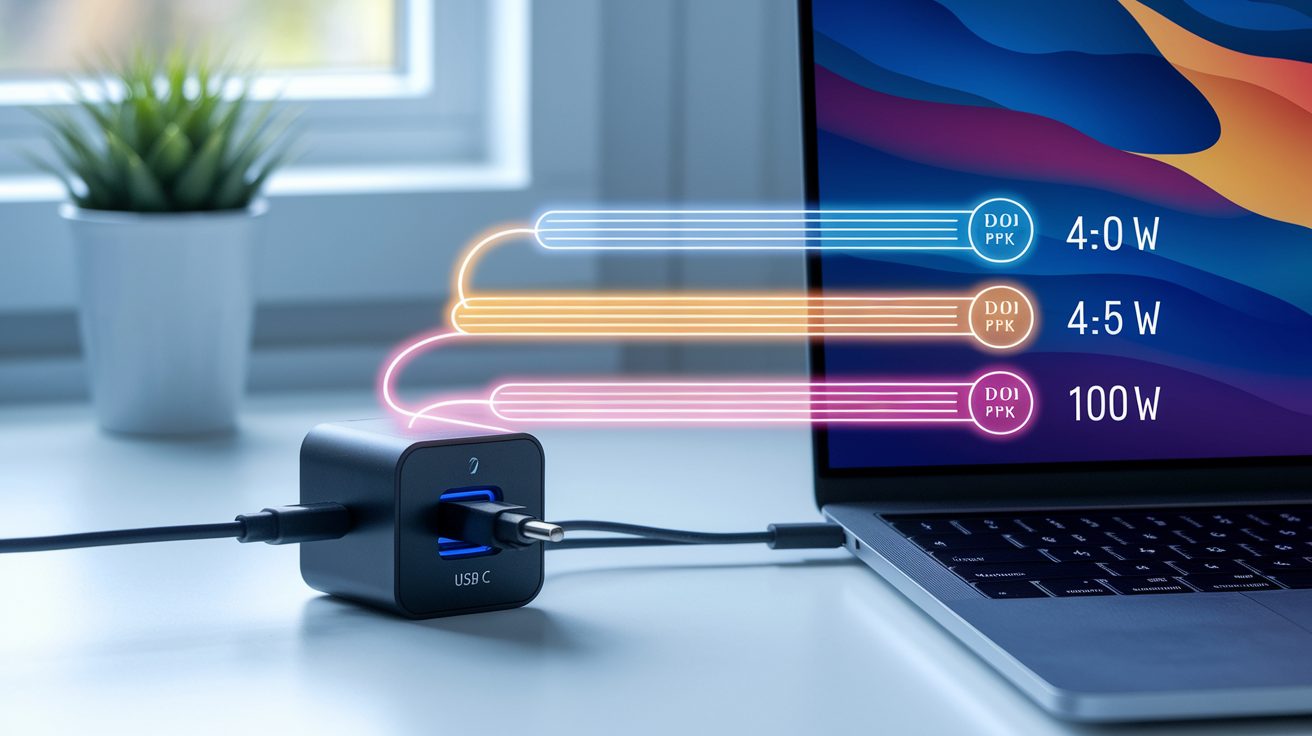
USB‑C standardization pushes universal charging by requiring USB Power Delivery compatibility, which lets devices and chargers negotiate power levels on the fly. Common PD tiers include 18 W, 30 W, 45 W, 65 W, and 100 W, with the newest PD 3.1 Extended Power Range stretching up to 240 W for high‑performance laptops and displays. The EU mandate encourages interoperability, meaning you should eventually use one certified PD charger for multiple device types—phones, tablets, and laptops—cutting down the pile of proprietary chargers in your drawer.
Wattage requirements vary by device category. Smartphones typically want 18–30 W for fast charging. Ultraportable laptops commonly require 45–65 W, while larger laptops and mobile workstations may pull up to 100 W or more. A 30 W charger will slowly charge a 65 W laptop, and a 15 W charger may not charge a laptop at all under load. The charger and device both need to support the same PD voltage profile (5V, 9V, 15V, 20V) and current (up to 3A for standard cables, 5A for higher‑wattage e‑marked cables) to hit advertised speeds.
Mismatched accessories cause predictable failure modes. Use a USB 2.0 cable rated for 3A with a 100 W charger and laptop and you’ll limit power to 60 W (20V × 3A), slowing charge time. A charger lacking PD negotiation may default to 5V at low current, trickle‑charging the device or failing to charge it while in use. Switching from proprietary chargers to universal USB‑C PD accessories means you need to verify both the charger’s output wattage and the cable’s current rating to keep the same charging experience.
Key PD wattage levels and typical use cases:
- 18–30 W – Smartphones, small tablets, Bluetooth headphones, portable speakers.
- 45 W – 13‑inch ultraportable laptops, larger tablets, handheld gaming consoles.
- 65 W – 14–15‑inch mainstream laptops, some professional cameras.
- 100 W – 16‑inch and larger laptops, mobile workstations, high‑end gaming handhelds.
Data, Video, and Audio Compatibility Across USB‑C Accessories
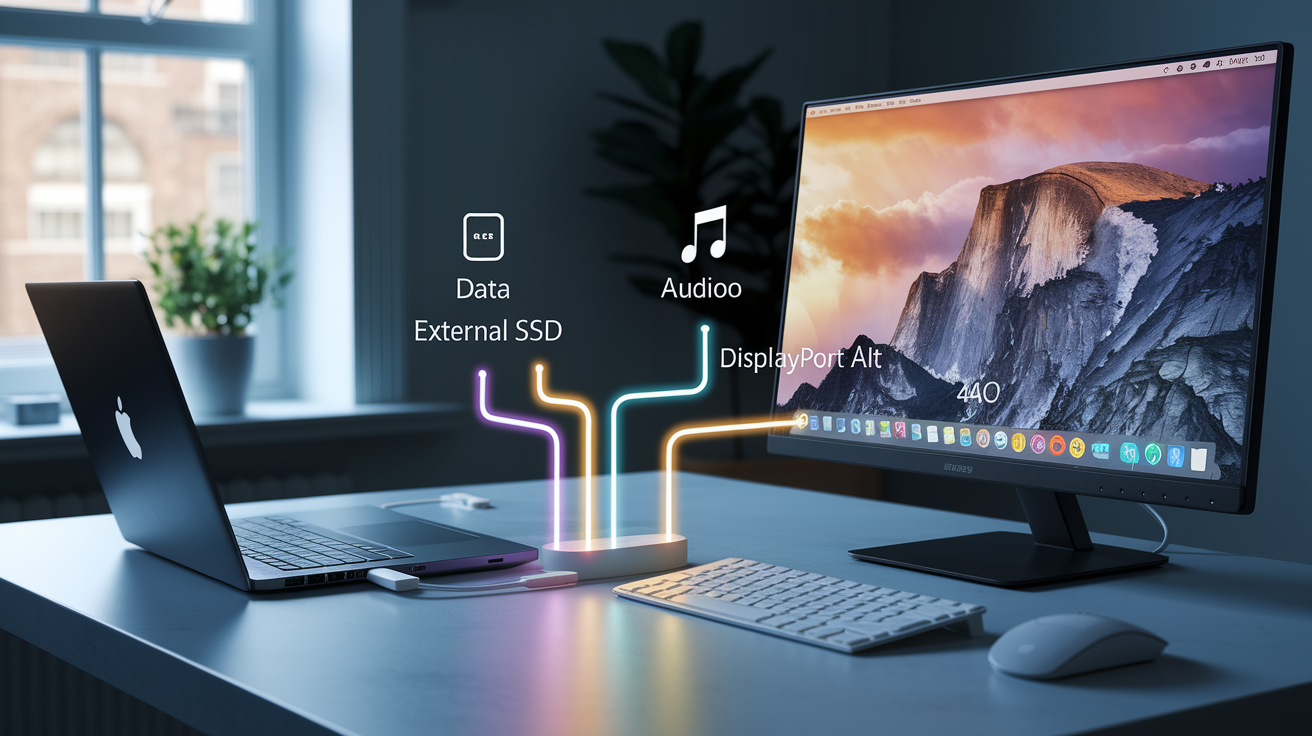
USB‑C accessories stretch beyond charging into data transfer, video output, and audio. Because the physical connector is identical, people often assume universal compatibility. Actual performance depends on the USB version, cable construction, and device controller capabilities.
Data Transfer Differences
Data transfer speeds span four generations with the same connector shape. USB 2.0 moves data at 480 Mbps, fine for syncing photos or documents but painfully slow for large video files or external SSD backups. USB 3.2 Gen 1 delivers 5 Gbps, and Gen 2 reaches 10 Gbps—common on mid‑range laptops and external drives. USB4 and Thunderbolt 3/4 push to 40 Gbps, enabling near‑instant transfers of multi‑gigabyte files and daisy‑chaining high‑speed peripherals. A USB 2.0 cable physically connects to a USB4 port but locks the connection at 480 Mbps. Upgrading to USB‑C devices with fast storage means you also need to upgrade cables to avoid bottlenecks that negate the hardware investment.
Video Output Requirements
USB‑C ports that support DisplayPort Alternate Mode or HDMI Alternate Mode can drive external monitors, but only if the cable or adapter explicitly supports the required Alt Mode. Passive USB‑A‑to‑USB‑C adapters don’t carry video signals. Active adapters or certified USB‑C‑to‑DisplayPort/HDMI cables are necessary. Even then, resolution and refresh rate depend on the Alt Mode version. DisplayPort 1.4 supports 8K at 60 Hz with DSC, while older implementations may cap at 4K 60 Hz. A laptop advertised with USB‑C may not include video‑capable ports on every USB‑C socket. Manufacturers sometimes reserve Alt Mode for specific ports, so you’ll need to check product manuals or port labels.
Audio Accessory Behavior
USB‑C audio splits into analog and digital paths. Some phones and tablets provide analog audio directly through the USB‑C port, allowing simple passive adapters to connect 3.5 mm headphones. Others output only digital audio, requiring an adapter with a built‑in digital‑to‑analog converter (DAC). Wired Lightning headphones can’t plug into USB‑C without a Lightning‑to‑USB‑C adapter, and even then, compatibility depends on whether the adapter includes the necessary audio translation. Bluetooth headphones sidestep the problem by charging via USB‑C but connecting wirelessly, though they still benefit from standardized PD chargers for faster recharge times.
Compatibility Challenges During the Transition to USB‑C

Manufacturer implementation differences create real confusion even under a universal connector standard. Not all USB‑C ports on a single laptop offer identical capabilities. One port may support USB4, PD charging, and DisplayPort, while another on the same machine handles only USB 3.2 and lower‑wattage charging. Labeling inconsistencies compound the problem when ports lack icons or text indicating which features each socket supports. You plug a monitor cable into the “wrong” USB‑C port, see no video, and assume the cable or monitor is faulty.
Some manufacturers layer proprietary fast‑charging protocols on top of standard USB PD, requiring vendor‑specific chargers or cables to unlock maximum charging speed. A third‑party 65 W PD charger may charge a laptop at only 45 W if the laptop’s proprietary protocol isn’t recognized. Legacy accessories that rely on adapters face similar limits: a passive USB‑A‑to‑USB‑C adapter lets an old USB flash drive physically connect, but the adapter typically supports only USB 2.0 speeds, even if the flash drive and the new laptop both support USB 3.2. Active adapters can bridge higher speeds but add cost and potential points of failure.
Common misconceptions about USB‑C universality:
- “All USB‑C cables are the same.” Cables vary by power rating (15 W to 240 W), data speed (480 Mbps to 40 Gbps), and Alt Mode support.
- “Any USB‑C charger will fast‑charge any device.” Fast charging requires matching PD profiles or proprietary protocols. Mismatched chargers default to slower rates.
- “Passive adapters add USB‑C compatibility to any accessory.” Passive adapters convert the plug shape but don’t upgrade data speeds, add video capability, or enable higher power delivery.
- “One cable handles charging, data, and video equally well.” Many cables prioritize one function. A cable rated for 100 W charging may support only USB 2.0 data, and vice versa.
Practical Guidance: How Consumers Can Check USB‑C Accessory Compatibility
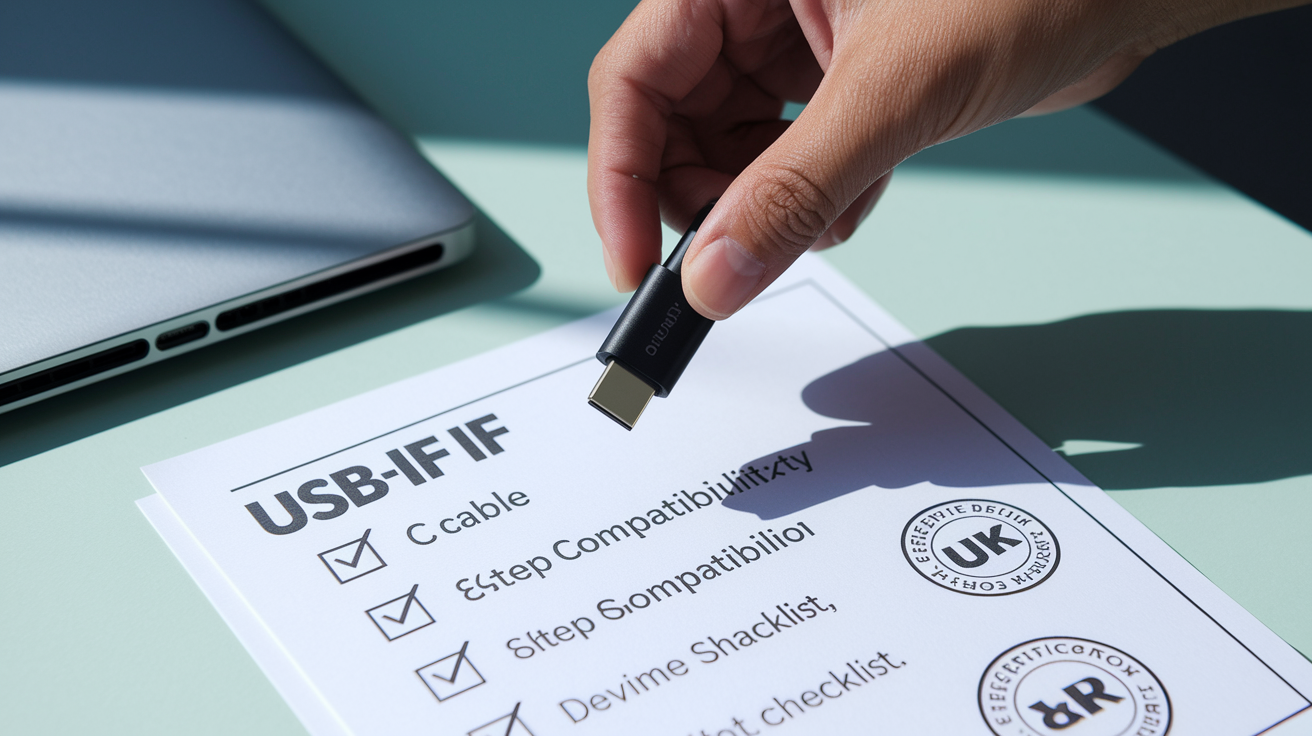
Checking USB‑C accessory compatibility before purchase prevents wasted money and frustrating compatibility gaps. Device spec sheets, cable packaging, and certification marks provide the necessary information, but you need to know which details matter.
Six steps to verify compatibility:
-
Check the device’s required PD wattage – Find the minimum and maximum charging power in the user manual or on the device packaging. For example, “Minimum 30 W for normal charging, 65 W for maximum speed.”
-
Read cable markings and packaging – Look for printed amperage and voltage ratings (e.g., “5A/20V” for 100 W cables, “3A/20V” for 60 W). Data‑capable cables should state “USB 3.2 Gen 2” or “USB4/40 Gbps.”
-
Look for USB‑IF certification logos – The USB Implementers Forum certifies cables and chargers that meet safety and performance standards. Certified products display a logo and often include a unique TID (test identification number).
-
Verify Alt Mode support for video – If connecting to a monitor, confirm the cable or adapter explicitly mentions “DisplayPort Alt Mode” or “HDMI Alt Mode.” Passive adapters rarely support video.
-
Match charger output to device needs – A 65 W charger will charge a 45 W laptop at full speed but will slow‑charge a 100 W laptop. Choose chargers at or above the device’s maximum wattage for best results.
-
Consult the device spec sheet for port capabilities – Laptops and tablets often list which USB‑C ports support charging, data transfer, and video. Not all ports on a device are equal.
Environmental and Industry Impact of USB‑C Standardization

The EU estimates that eliminating proprietary chargers through USB‑C standardization will cut electronic waste by roughly 11,000 metric tons annually. Chargers and cables that can’t be reused across devices contribute heavily to e‑waste streams, and the mess of incompatible connectors forces you to toss functional accessories when switching brands or upgrading devices. A single universal charging port extends the useful life of existing chargers and cables, decreasing the volume of discarded electronics and the environmental cost of manufacturing replacements. For more on the regulatory motivations, see USB Type-C® Standardization – Where, When, and What?
OEMs face short‑term costs to redesign products, adjust supply chains, and comply with testing and labeling requirements. Manufacturers need to source certified USB‑C components, validate power delivery profiles, and update packaging to clearly state charging specs and whether a charger is included. The EU allows unbundling—selling devices without a charger—to reduce unnecessary duplication when you already own compatible chargers. The European Commission must report on unbundling practices by the end of 2026 and decide whether to mandate it. Transition burdens include retooling production lines, managing dual‑SKU inventories during the compliance phase, and educating support teams on new compatibility questions from customers.
Long‑term accessory ecosystem benefits:
- Simplified purchasing – You can buy a single set of certified cables and chargers for phones, tablets, laptops, and other devices, cutting confusion and clutter.
- Lower total cost of ownership – Reusing chargers across device generations and brands decreases spending on proprietary replacements.
- Accelerated innovation in shared accessories – Universal compatibility encourages third‑party manufacturers to invest in advanced multiport chargers, high‑wattage hubs, and certified cables, driving competition and quality improvements.
Future of USB‑C Compatibility: USB4, PD 3.1, and Global Mandates

USB Power Delivery Extended Power Range (PD 3.1 EPR) raises the ceiling to 240 watts, opening the door for high‑performance laptops, desktop replacement machines, and even some monitors to charge via USB‑C. The EU regulatory framework includes provisions to reassess the scope by the end of 2025 and then every five years, allowing future expansion to device categories not initially covered or higher power levels as the standard evolves. Devices that require between 100 W and 240 W may be added in subsequent reviews, further broadening the universal charging mandate and reducing the need for proprietary barrel connectors on power‑hungry hardware.
Other regions are following the EU’s lead. India has announced plans to require USB‑C as a universal charging port by March 2025, and legislators in other places have expressed interest in similar moves. Global regulatory momentum will likely push manufacturers to adopt USB‑C worldwide rather than maintain region‑specific product variants, speeding up the transition and simplifying international supply chains. Convergence toward USB4 and Thunderbolt as the de facto high‑speed standard will gradually unify data transfer, video output, and power delivery under a single protocol stack, though full convergence will take years as older USB 3.2 devices remain in circulation. For additional context on global regulatory momentum, see USB-C in the EU: A New Standard for Universal Charging
| Standard | Max Power | Max Data Rate |
|---|---|---|
| USB PD 3.0 | 100 W | Depends on USB version (up to 40 Gbps with USB4) |
| USB PD 3.1 EPR | 240 W | Depends on USB version (up to 40 Gbps with USB4) |
| USB4 Version 2.0 | Up to 240 W | 80 Gbps (asymmetric); 120 Gbps in development |
Final Words
EU’s USB-C mandate is forcing a common port on phones, tablets, cameras, and more by set dates, which means adapters, new cables, and attention to PD and data specs during the transition.
You learned why charging vs fast charging differ, why data and video depend on USB versions and Alt Modes, and how to check wattage, cable ratings, and certification marks.
The impact of USB-C standardization on accessory compatibility will cause short-term friction but should mean simpler choices, fewer chargers, and less e-waste long-term, so check specs now and expect an easier setup down the road.
FAQ
Q: How will USB‑C standardization affect accessory compatibility?
A: USB‑C standardization will make basic charging ports uniform, but accessory features still depend on cable specs, PD wattage, and USB version, so some adapters or new cables remain necessary.
Q: When does the EU require USB‑C on devices?
A: The EU requires USB‑C on smartphones, tablets, cameras, headphones, and handheld consoles by December 28, 2024, with laptops required to switch by April 2026.
Q: Will my old chargers and cables still work?
A: Old chargers and cables may work for basic charging, but fast charging, high‑watt laptops, and high‑speed data often need e‑marked cables, active adapters, or new chargers.
Q: Why do some USB‑C cables not support fast charging or high data speeds?
A: Some USB‑C cables lack e‑marker chips or are wired for USB 2.0, so they can’t handle higher PD wattage or USB3/USB4 data rates; check cable markings and specs.
Q: How does USB Power Delivery affect charging accessories?
A: USB Power Delivery affects charging by negotiating the safe wattage; mismatched PD versions or low‑watt chargers can cause slow charging or no charge. PD 3.1 supports up to 240W.
Q: Can I use USB‑C for video and audio accessories?
A: USB‑C can carry video and digital audio via Alt Modes (DisplayPort, HDMI), but you need compatible ports, correct cables or active adapters, and a DAC for analog headphones.
Q: What problems will consumers face during the transition?
A: Consumers will face inconsistent labeling, proprietary fast‑charge protocols, and adapter limits, causing confusion about which cables, chargers, or docks actually provide full features.
Q: How do I check if a USB‑C accessory is compatible with my device?
A: To check compatibility, compare device PD wattage, cable data rating, Alt Mode support, look for USB‑IF or e‑marker labels, and consult your device’s spec sheet.
Q: Will USB‑C reduce e‑waste and what are the industry impacts?
A: USB‑C should reduce e‑waste (EU estimates ~11,000 tonnes yearly) by standardizing chargers, while forcing OEMs to redesign products and adjust supply chains, with short‑term costs.
Q: What’s next for USB‑C standards and global mandates?
A: The future includes USB4/Thunderbolt convergence, wider PD 3.1 adoption (up to 240W), and growing global regulation—expect more consistent charging and higher data rates over time.