


What if your business didn’t use passwords at all?
Passwordless authentication — signing in with a fingerprint, face, security key, or one-time link — removes the reusable secrets attackers rely on.
For small businesses, that change means fewer breaches, far fewer helpdesk password resets, and faster customer sign-ups.
Thesis: moving to passwordless strengthens security by blocking phishing and credential stuffing at the source, lowers IT and support costs, and boosts conversions — and it’s practical to roll out for small teams today.
Understanding Passwordless Authentication and Its Direct Impact on Small Business Security

Passwordless authentication lets you sign in without typing a password. You tap your fingerprint, scan your face, or click a one-time link sent by email or SMS. The system validates your identity through cryptographic keys stored on your device or a single-use code that expires immediately. For small businesses, this means no password databases sitting on servers waiting to be breached.
Passwords fail small businesses constantly. Over 60 percent of SMBs got hit with some form of data breach in 2019, and stolen credentials were the most common entry point. At the same time, more than 65 percent of customers bail on a website if you make them create a username and password. The typical employee now juggles around 191 passwords, and 61 percent of people reuse the same or similar passwords across sites. When one account falls, the rest can follow. Cybercriminals attempt to hack account passwords roughly 1,000 times every second.
Passwordless authentication cuts out the weakest link. It resists phishing because there’s no password for an attacker to trick you into revealing. It blocks credential stuffing and brute force attacks because no password exists to guess or reuse. Public key cryptography, used in FIDO-certified passwordless systems, keeps a private key locked on your device and never sends it over the network. Server breaches don’t expose reusable credentials. Adaptive signals, such as trusted device checks and behavioral analysis, reduce the chance of unauthorized access even if a device gets stolen.
Four major impacts of passwordless authentication on small business security:
- Phishing campaigns lose effectiveness because users never enter passwords on fake sites
- Account takeover risk drops sharply without reusable credentials floating around
- Data breach exposure shrinks when password databases are removed from servers
- IT helpdesk load decreases as password resets and lockouts become rare
Core Security Advantages of Passwordless Authentication for Small Businesses
Traditional password systems store hashed or encrypted passwords on servers, creating a central target. Even with hashing, breached databases can be cracked offline using dictionary attacks or rainbow tables. Multi-factor authentication adds a second step, like a rotating code from an app or SMS, but it still depends on a password as the first factor. If that password gets compromised through phishing or a data breach, the attacker can often bypass MFA using social engineering, SIM swapping, or session hijacking.
Passwordless authentication removes this foundational weakness. It replaces “something you know” with “something you have” (a device or security key) and “something you are” (biometrics). Public key cryptography, the foundation of FIDO2 and WebAuthn standards, generates a unique key pair for each account. One private key stays locked on your device, and one public key lives on the server. Because the private key never leaves the device and can’t be guessed or stolen in a breach, attackers gain nothing from compromising the server.
This architecture stops credential-based attacks at the root. Credential stuffing, where attackers replay stolen username-password pairs across thousands of sites, fails immediately. Brute force attacks have nothing to target. Phishing sites that mimic login pages can’t capture a reusable secret because the cryptographic challenge-response happens silently between your device and the legitimate server, binding the authentication to the correct domain. Adaptive authentication layers, such as device fingerprinting and behavioral analysis, add further protection by flagging logins from unrecognized devices or unusual locations.
| Attack Type | How Passwords Fail | How Passwordless Prevents It |
|---|---|---|
| Phishing | User enters password on fake site; attacker replays it on real site | Cryptographic challenge is domain-bound; fake sites cannot complete the handshake |
| Brute Force | Attacker tries millions of password combinations until one succeeds | No password to guess; authentication requires possession of registered device or key |
| Stolen Credentials | Breached database exposes password hashes; attacker cracks and reuses them | Server stores only public keys; private keys never leave user devices and cannot be extracted or reused |
Operational and Cost Benefits of Eliminating Passwords for Small Companies

Password management eats up IT resources in small businesses, where every hour of staff time counts. Helpdesk tickets for password resets, account unlocks, and “forgotten password” requests can hit 20 to 50 percent of total support volume. Each reset costs time, interrupts workflows, and often requires manual verification steps to prevent social engineering attacks. Passwordless authentication removes this entire category of support requests. Users authenticate with a fingerprint scan or security key, which can’t be forgotten, and there’s no password to expire or rotate. IT teams can reallocate the saved hours to security monitoring, application updates, or business process improvements.
Employee productivity improves when login friction disappears. The average worker manages 191 passwords. Many start with around 20 passwords in a vault only to double that number within three months as new applications get added. Sixty-one percent reuse passwords across sites to cope with the overload. Passwordless reduces cognitive load and eliminates the time spent typing, mistyping, and resetting credentials. Login becomes a single tap or glance, shortening the path to productivity and reducing frustration, especially for mobile workers and field teams who access systems dozens of times per day on smartphones and tablets.
Customer-facing businesses see gains in conversion and retention when passwords are removed. More than 65 percent of customers abandon a signup or purchase flow if they’re forced to create a username and password, because the friction interrupts the buying decision and raises concerns about data security and spam. Passwordless options such as magic links or biometric sign-in let customers complete transactions in seconds. Lower abandonment translates directly to higher revenue, and reduced account support costs improve margins.
Three quantifiable operational benefits for small businesses:
- Helpdesk ticket volume drops by an estimated 20 to 50 percent when password resets are gone
- Average login time decreases from 10 to 30 seconds (typing and error correction) to under 3 seconds (biometric tap or key press)
- Customer signup abandonment falls as friction is removed from account creation flows
Implementation Realities: Device Requirements, User Workflows, and Integration Into Small Business Environments

Deploying passwordless authentication in a small business environment requires compatible devices and integration with existing identity systems, but modern standards make the process simpler than legacy multifactor deployments. Most smartphones manufactured in the past five years include fingerprint or face recognition sensors that can serve as platform authenticators, using secure hardware modules to store cryptographic keys. Laptops with Windows Hello or macOS Touch ID provide built-in biometric support. For devices without biometrics, USB or NFC security keys offer a portable, phishing-resistant alternative. Many passwordless solutions also support app-less magic links or one-time passcodes sent via email, which require no specialized hardware and work on any device with a web browser, though these methods are less secure against interception than cryptographic keys.
User workflows change very little from the employee or customer perspective. During initial enrollment, you register a biometric or security key with the identity provider, a process that typically takes under a minute and mirrors the setup flow for device unlock features most people already use daily. Once enrolled, signing in requires only a fingerprint scan, face glance, or key tap. No username or password entry. Fallback mechanisms must be configured for cases where you lose a device or a biometric sensor fails. Common options include registering a backup key or using a secure recovery code stored offline. Cross-platform interoperability is strong when following FIDO2 and WebAuthn standards, letting users authenticate across web browsers, mobile apps, and even legacy systems through identity gateways or single sign-on bridges.
Integration into small business IT environments depends on the maturity of existing systems. Cloud-based applications and SaaS platforms with OAuth or SAML support can often enable passwordless authentication through simple configuration changes in an identity provider dashboard. On-premises or legacy applications may need an identity orchestration layer or API gateway to translate passwordless assertions into tokens the application can validate. Deployment timelines for small businesses typically range from one to four weeks for a limited pilot and four to twelve weeks for organization-wide rollout.
Typical Small Business Device and Software Requirements
Biometric-capable hardware includes smartphones running iOS 13 or later and Android 9 or later, laptops with Windows Hello (Windows 10 version 1903 or later) or macOS Touch ID (macOS 10.15 or later), and tablets with fingerprint or face sensors. USB security keys must support the FIDO2 or U2F standard and are available from multiple vendors at prices between 20 and 60 dollars, with NFC versions for tap-to-authenticate on mobile devices. On the software side, identity platforms must support WebAuthn for web-based applications and native biometric APIs for mobile apps. Common identity providers and workforce access management tools now include passwordless capabilities as standard or premium features, with per-user subscription costs typically ranging from 2 to 6 dollars per month. Integration requires API access or federation protocols such as SAML 2.0 or OpenID Connect, which most modern business applications already support.
Challenges and Considerations in Passwordless Deployment for Small Businesses
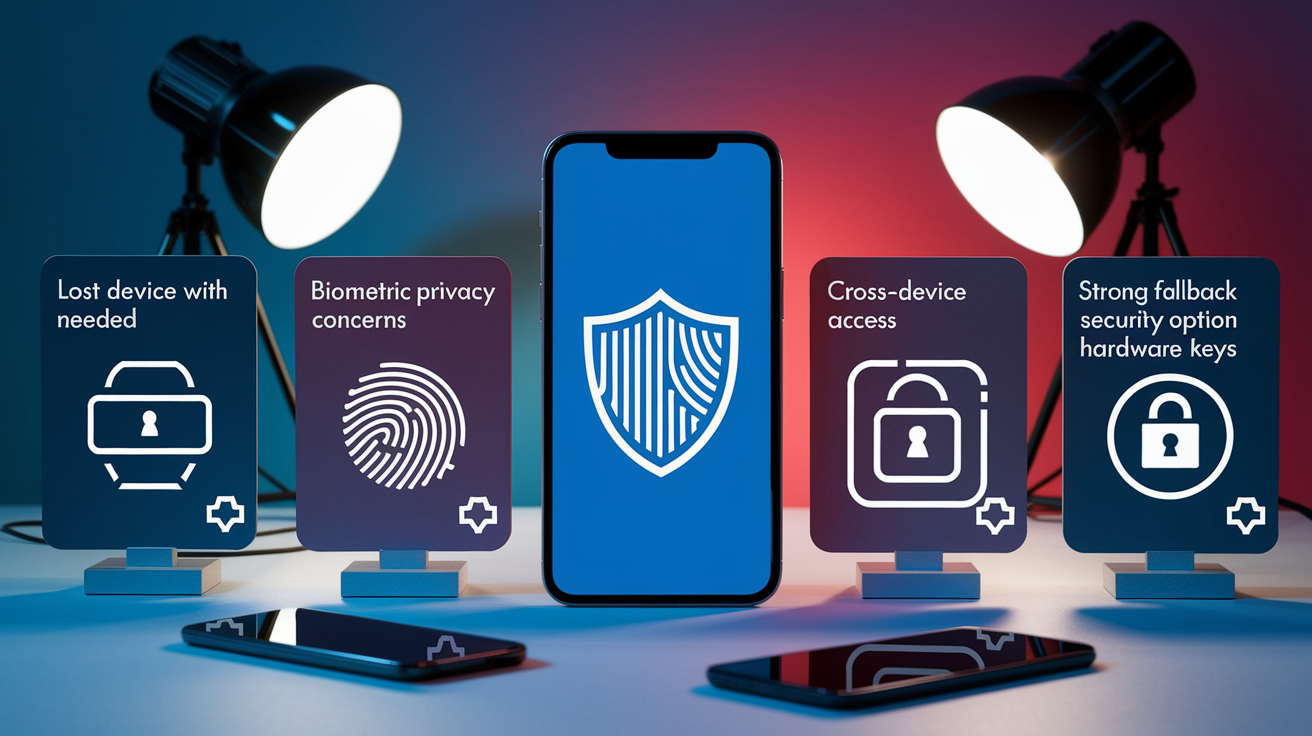
Lost or stolen devices present the most immediate operational challenge when biometric or device-bound keys serve as the sole authentication method. If an employee’s phone is lost or a hardware key is misplaced, the user can’t sign in without a secure fallback. Small businesses must design recovery workflows that balance security and usability. Common approaches include requiring users to register at least two authenticators during enrollment (for example, a phone and a USB key) and establishing a secure helpdesk verification process for employees who lose all registered devices. Break-glass admin accounts with separate recovery credentials and strict audit logging provide a last-resort path for critical access, but these accounts must be tightly controlled to avoid reintroducing password vulnerabilities through the back door.
Privacy and regulatory considerations become more complex when biometric data is involved. While most modern implementations store biometric templates locally on the device in secure enclaves and never transmit raw fingerprints or face scans to servers, small businesses must ensure their chosen solution complies with data protection regulations such as GDPR, HIPAA, and sector-specific standards. Consent, data minimization, and the ability to delete biometric enrollments are table stakes. Fallback authentication methods introduce their own risks. SMS one-time codes are vulnerable to SIM-swapping attacks, and email magic links can be compromised if the email account itself is breached. The strongest fallback is a second hardware-backed authenticator or a recovery code stored offline, not a return to passwords or easily intercepted codes.
Four critical challenges SMBs must address in passwordless deployment:
- Device loss and recovery: Register multiple authenticators per user and create audited break-glass procedures for emergencies
- Biometric privacy: Confirm that biometric data stays on-device and obtain user consent in line with GDPR or HIPAA requirements
- Cross-device and cross-channel access: Test workflows for web, mobile, call centers, and kiosks to ensure identity portability
- Fallback security: Avoid weak fallback methods such as SMS codes; prefer backup hardware keys or secure offline recovery tokens
Password-Based vs. Passwordless Systems: Practical Comparison for Small Businesses

Password-based systems appear inexpensive at first glance. Most identity platforms include password authentication at no additional cost. But the indirect costs add up quickly for small businesses. Helpdesk time spent on password resets, account unlocks, and password policy enforcement can consume 20 to 50 percent of IT support hours. Data breaches caused by stolen or reused passwords carry even higher costs, with 60 percent of small companies never recovering financially from a breach and most failures occurring within six months of the incident. Customer abandonment rates above 65 percent when passwords are required translate directly to lost revenue. Password rotation policies, complexity requirements, and forced expiration further burden users without improving security, because users respond by writing passwords down or choosing predictable patterns that meet the rules but remain guessable.
Passwordless systems shift the cost profile. Upfront investments include device procurement or compatibility verification, identity platform licensing (typically 2 to 6 dollars per user per month), and integration effort for legacy applications. However, ongoing operational costs drop sharply. Password reset tickets disappear, account takeover incidents decline, and breach risk falls because no password database exists to steal. User experience improves, driving higher customer conversion and employee satisfaction. Security becomes measurably stronger.
SMS and email one-time codes are sometimes marketed as passwordless, but they introduce vulnerabilities that true cryptographic passwordless methods avoid. SMS codes can be intercepted through SIM-swapping attacks, where an attacker convinces a mobile carrier to transfer a victim’s phone number to a new SIM card. Email magic links are only as secure as the email account, and if that account uses a weak or reused password, the “passwordless” flow collapses. FIDO-certified biometric and hardware-key solutions, by contrast, rely on public key cryptography that binds authentication to the specific device and domain. For small businesses, the priority should be device-bound cryptographic methods first, with SMS or email codes used only as temporary fallbacks during migration or for users who can’t enroll a stronger authenticator.
Adoption Roadmap: Steps for Small Businesses Moving Toward Passwordless Authentication
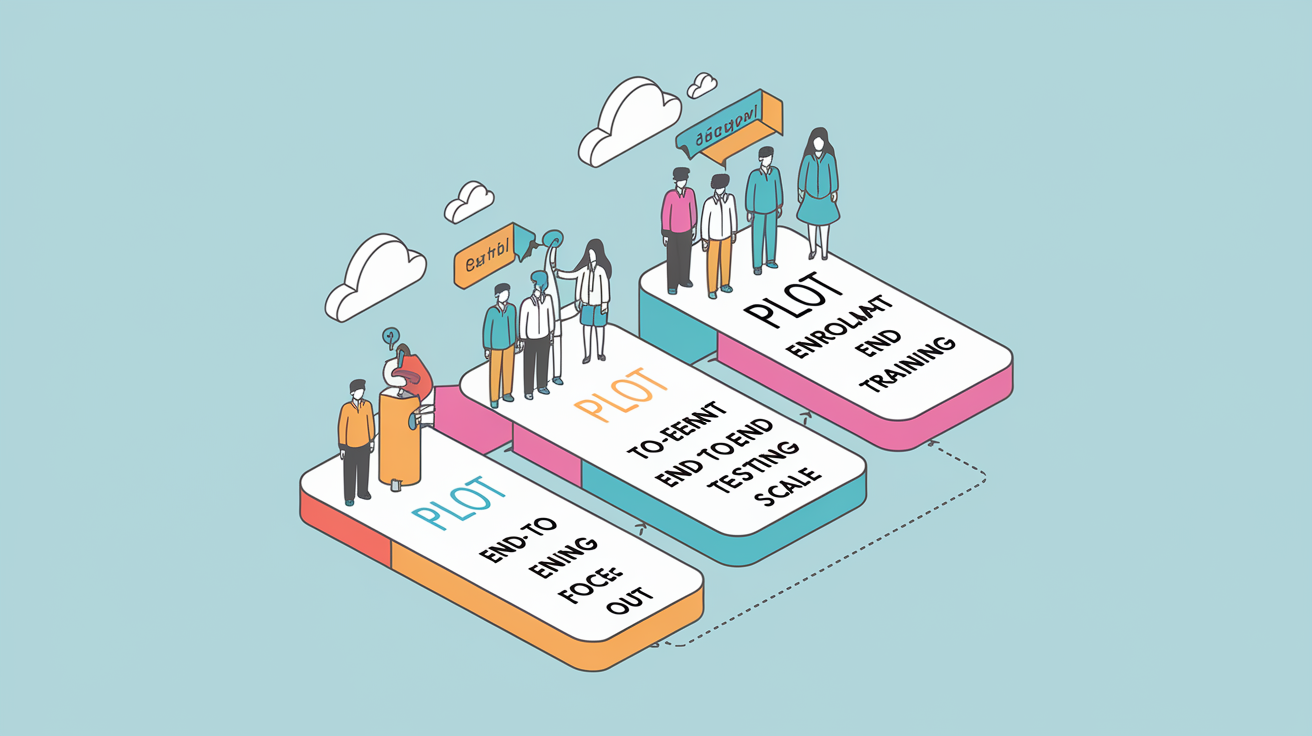
The first step in moving to passwordless authentication is selecting a pilot group that represents a cross-section of roles, devices, and access patterns. A pilot of 10 to 50 users, including administrators, remote workers, and typical office staff, provides enough scale to surface technical and usability issues without risking business continuity. High-value accounts (finance, IT admins, customer data managers) should be prioritized in the pilot because they represent the highest risk if compromised. Clear success criteria should be defined before launch, such as reduced login time, fewer helpdesk tickets, and zero account takeover incidents during the pilot period.
Device enrollment and authenticator registration come next. Each pilot user should register at least two authenticators (commonly a smartphone biometric and a USB security key) to ensure continuity if one method fails. The enrollment process must be guided and verified, especially for less technical users, with step-by-step instructions and IT support standing by for troubleshooting. Enrollment data, including device identifiers and public keys, must be stored securely in the identity platform with encryption at rest and strict access controls. Once enrolled, users test the new login flow across all critical applications, including web portals, mobile apps, and VPN access, to confirm that passwordless works end to end and that fallback flows activate correctly when needed.
Integration testing extends beyond the happy path. IT teams must verify that passwordless authentication triggers correctly in edge cases: new device registration, device replacement, biometric sensor failure, and lost key scenarios. Fallback workflows should be tested by deliberately simulating failures and confirming that recovery processes are both secure and usable. Logging and monitoring must capture authentication events, failed attempts, and recovery actions for forensic analysis and compliance reporting. This data feeds continuous improvement, letting the business refine workflows and policies based on real user behavior before scaling to the full organization.
Staff training and policy updates round out the deployment. Employees need clear communication about why the change is happening, how it improves security, and what to do if they encounter issues. Training should include live demos, written guides, and a short FAQ covering device loss, privacy, and fallback options. IT and security policies must be revised to reflect the new authentication model, including incident response procedures for lost devices, device compromise, and suspicious authentication patterns. A phased rollout follows the pilot, expanding to departments or locations in stages over four to twelve weeks, with lessons learned from each phase informing the next.
Five-step adoption roadmap for small businesses:
- Select a pilot group of 10 to 50 users representing diverse roles and devices, prioritizing high-value accounts
- Enroll each user with at least two authenticators (biometric plus backup key) and verify device compatibility across all critical applications
- Test integration end to end, including fallback and recovery flows, and confirm logging captures all authentication events
- Train staff on new workflows, update incident response policies, and provide clear guidance on device loss and troubleshooting
- Scale in phases to the full organization, using pilot feedback to refine processes and address edge cases before each expansion
Real-World SMB Examples and Measurable Outcomes of Passwordless Adoption
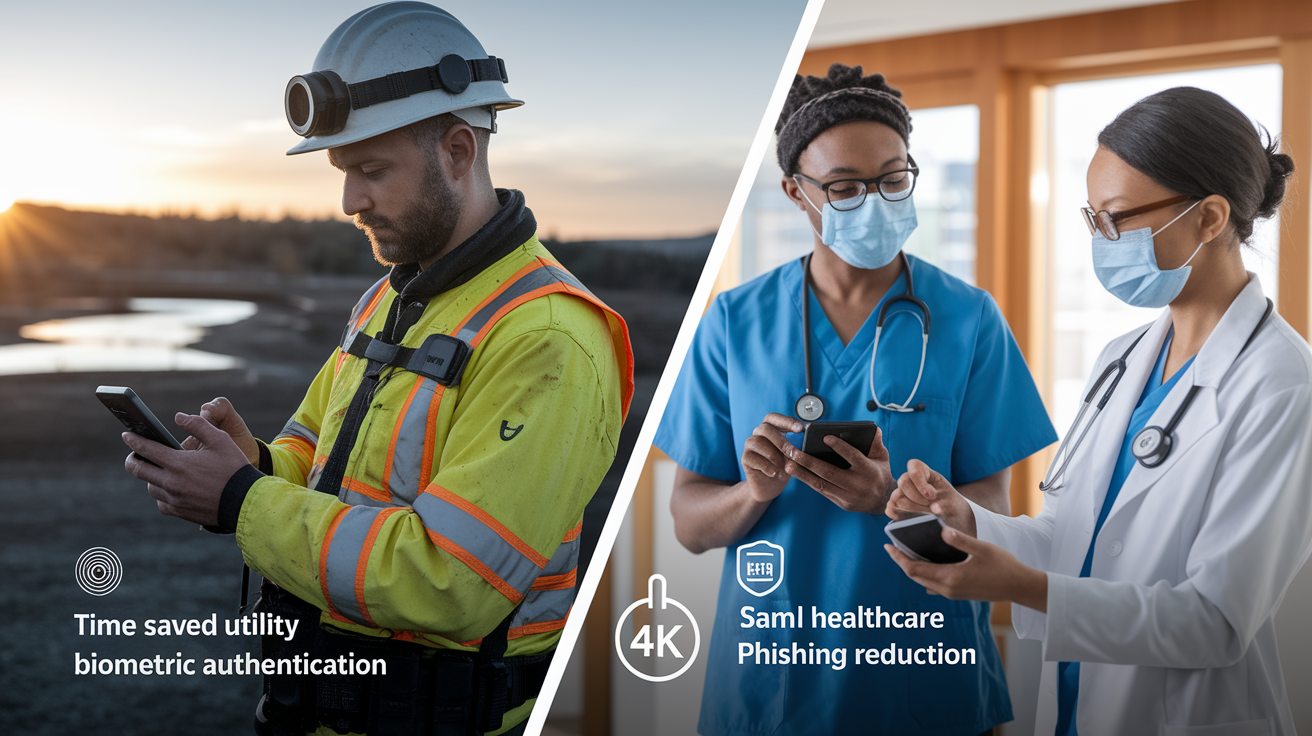
A growing water-distribution company modernized its operations by adopting managed IT services that included passwordless authentication for field technicians and office staff. Field workers previously struggled with password resets while on-site at remote locations, often losing access to critical inventory and work-order systems and needing to call the helpdesk over cellular connections with poor reception. After deploying smartphone biometric authentication, login times dropped from an average of 25 seconds (including retries and password resets) to under 3 seconds, and helpdesk tickets related to access issues fell by more than 40 percent. Operational downtime caused by locked accounts essentially disappeared, letting technicians complete more service calls per day and improving customer satisfaction scores.
A small healthcare practice with 30 employees adopted FIDO-certified security keys for access to electronic health records and billing systems, driven by HIPAA compliance requirements and a near-breach incident involving a phishing email. Within three months of deployment, the practice recorded zero successful phishing attempts. Prior to passwordless, they’d averaged two to three credential compromise incidents per quarter that required password resets, user re-education, and forensic review. The IT director reallocated roughly six hours per week previously spent on password support to proactive security monitoring and system updates. Patient data remained secure, and the practice avoided the reputational and financial damage of a breach, which statistics show causes 60 percent of small companies to close within six months.
Tracking measurable outcomes is essential to justify the investment and refine the implementation. Three KPIs small businesses should monitor after passwordless deployment are:
- Customer or employee conversion improvement: measure signup or login completion rates before and after removing password requirements
- Reduced account lockouts and helpdesk tickets: track the number and category of authentication-related support requests weekly
- Fewer security incidents: count phishing attempts, credential stuffing alerts, and account takeover cases, aiming for a measurable decline quarter over quarter
Final Words
We showed how passwordless sign-ins—device biometrics, FIDO keys, and passkeys—replace stored passwords and stop common attacks like phishing and credential stuffing.
You saw why passwords fail small firms (high breach and abandonment rates), the security gains from public-key cryptography, and operational wins such as fewer resets and lower helpdesk load.
Next steps: pilot with 10–50 users, ensure device compatibility and safe fallback flows, and track KPIs like conversion, lockouts, and ticket volume.
Put simply, what passwordless authentication means for small business security is stronger protection, fewer breaches, and smoother logins—so start small, measure results, and scale with confidence.
FAQ
Q: What does passwordless authentication mean and how does it work for small businesses?
A: Passwordless authentication means users sign in without memorized passwords, using device biometrics, platform or hardware keys, or passkeys; it uses public-key cryptography so servers hold no reusable secrets.
Q: Why are passwords failing small businesses and how common are breaches from stolen credentials?
A: Passwords fail small businesses because employees reuse or forget them; over 60% of SMBs had breaches in 2019, with stolen credentials a leading cause and high customer abandonment rates above 65%.
Q: What are the main security benefits of eliminating passwords for SMBs?
A: The main security benefits of eliminating passwords are stronger phishing resistance, lower account takeover risk, a smaller breach surface, and far fewer forced password resets for users and admins.
Q: What passwordless options are available for small companies?
A: Passwordless options available include device biometrics (fingerprint, face), FIDO-certified hardware keys, synced passkeys across devices, and app-less magic links that bind credentials to a device or key.
Q: Can passwordless provide multi-factor authentication (MFA)?
A: Passwordless can provide MFA by combining something you have (device key) with something you are (biometric) or a device PIN, giving multi-factor protection without traditional passwords.
Q: What device and software requirements do small businesses need for passwordless?
A: Typical requirements include smartphones or laptops with platform authenticators, biometric sensors, WebAuthn/FIDO support, and optional USB/NFC security keys for legacy device compatibility.
Q: How should small businesses handle fallback and account recovery to avoid lockouts and fraud?
A: Fallback and recovery should use secure recovery tokens, secondary trusted devices, break-glass admin access, clear step-by-step procedures, and monitoring to prevent lockouts and fraudulent recovery attempts.
Q: What are the operational and cost benefits of moving away from passwords?
A: The operational and cost benefits include fewer helpdesk password resets, lower IT overhead, faster logins, reduced employee password fatigue, and higher customer conversion by cutting password-driven abandonment.
Q: What implementation steps and timeline should small businesses expect for passwordless rollout?
A: The implementation steps are pilot 10–50 users, enroll devices, test integrations, design fallback flows, and train staff; expect a 4–12 week rollout depending on legacy systems and scale.
Q: How does passwordless compare with password-based logins and SMS/email one-time codes?
A: Passwordless compares favorably: it removes reusable secrets, resists phishing and SIM-jacking that affect SMS/email codes, reduces resets, and lowers friction versus traditional password systems.
Q: What key metrics should SMBs track after adopting passwordless authentication?
A: Key metrics to track are conversion rate improvements, number of account lockouts, helpdesk login tickets, and incidents or attempts of account takeover or authentication fraud.