
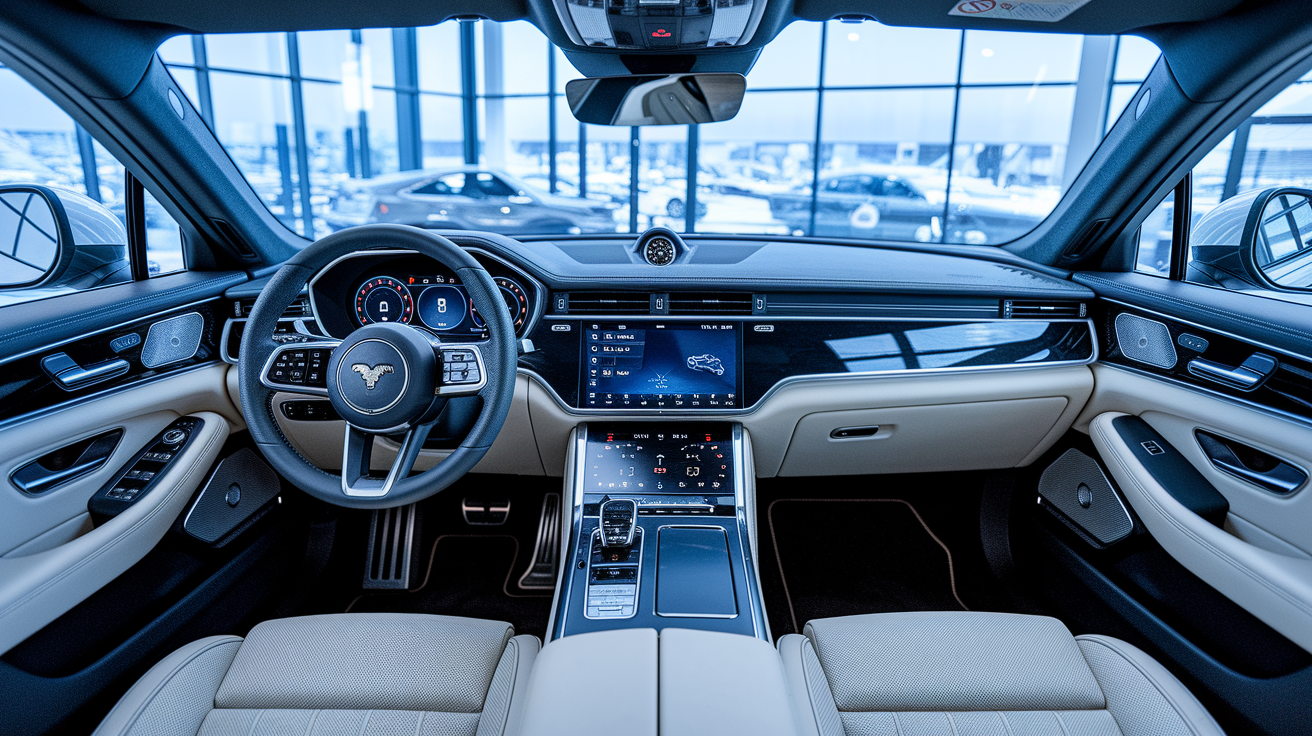

Think the spec sheet decides everything?
Most features on paper look impressive but don’t matter in real use.
We cut through model numbers and marketing to focus on what changes your day-to-day.
Battery, software updates, connectivity, sensors, and solid build quality usually matter more than extra camera lenses or peak GHz.
Read on for a simple checklist that helps you pick features worth paying for.
No jargon. No guesswork, just clear priorities for phones, laptops, and cars.
Comprehensive Breakdown of Modern Tech Features

Tech features are the software, hardware, sensors, and connectivity systems that define how a device performs, communicates, and adapts over time. They span physical components like processors and screens, digital layers including operating systems and apps, and enablers such as wireless standards and cloud services. Understanding tech features helps you compare options, prioritize needs, and avoid paying for capabilities you won’t actually use.
Modern architecture depends on software-driven design, sensor integration, and digital interfaces instead of mechanical controls. Cars now use electronic parking brakes rather than levers, digital instrument clusters instead of analog dials, and infotainment systems in place of CD players. Smartphones and tablets run on chipsets with dedicated AI accelerators, multi-camera arrays, and always-connected cloud services. This shift means devices receive new capabilities through over-the-air updates without requiring hardware swaps.
Core feature categories include:
Device hardware: processors, graphics chips, memory (RAM), storage capacity, and thermal management systems that determine speed and longevity.
Display technology: screen resolution, refresh rate, HDR support, and touch responsiveness that shape visual quality and interaction.
Connectivity options: WiFi standards (WiFi 5, WiFi 6), Bluetooth versions, cellular bands (4G, 5G), and port types (USB-C, USB-A) that govern data transfer and accessory support.
Battery life and charging: capacity (measured in mAh or kWh), fast-charging protocols, wireless charging efficiency, and thermal limits during high use.
Security features: biometric authentication (fingerprint, face recognition), encryption standards, secure enclaves, and permissions management.
Sensors and cameras: accelerometers, gyroscopes, ambient light sensors, proximity sensors, and multi-lens camera systems for photos, navigation, and safety alerts.
Operating system updates: OTA delivery, patch frequency, feature rollouts, and subscription-gated capabilities.
Performance modes: adaptive power management, gaming optimizations, and thermal throttling to balance speed with heat and battery draw.
Certain older features disappeared because electronics deliver better safety, efficiency, or convenience. Manual window cranks gave way to power windows, carburetors were replaced by fuel injection for precise air-fuel control, and analog instrument clusters were supplanted by configurable digital screens. Physical media players (cassette decks, CD slots) vanished as streaming became standard through smartphone integration.
Understanding these categories clarifies which specifications drive real-world performance, which subscription costs are recurring, and which legacy features still matter in niche scenarios like off-road reliability or repair simplicity.
Device Hardware Tech Features Explained

CPU and GPU architecture determine how quickly a device handles multitasking, rendering, and AI workloads. Modern chipsets integrate neural processing units (NPUs) or machine learning accelerators that handle voice recognition, photo processing, and predictive text without draining the main processor. Graphics performance affects gaming frame rates, video editing smoothness, and AR overlay responsiveness. High-end devices use separate GPU cores or dedicated graphics chips, while budget models rely on integrated graphics that share resources with the CPU.
Memory (RAM) controls how many apps or browser tabs remain active without reloading. Storage capacity defines how much media, documents, and app data fit on the device. Entry-level devices typically offer 4 to 6 GB of RAM and 64 to 128 GB of storage. Mid-range options start at 8 GB RAM and 256 GB storage. Flagship models reach 12 to 16 GB RAM and 512 GB to 1 TB storage. Expandable storage via microSD slots has become rare but remains available on select Android phones and tablets. Thermal design matters because processors throttle speed to prevent overheating. Devices with vapor chambers or graphite sheets sustain higher performance longer than those relying on passive cooling alone.
Build materials influence durability and heat dissipation. Aluminum and steel frames conduct heat away from internals better than plastic, reducing thermal throttling during extended use. Glass backs enable wireless charging but increase fragility. Ceramic and titanium options offer scratch resistance at higher cost. When comparing devices, verify chassis material, ingress protection rating (IP67, IP68), and the presence of active or passive cooling systems.
Key hardware elements to compare:
Chipset generation and architecture: determines baseline speed, efficiency, and support for new software features.
RAM capacity: 6 GB minimum for smooth multitasking, 8 to 12 GB for power users, 16+ GB for professional workflows.
GPU type: integrated for everyday use, dedicated for gaming, video editing, and 3D rendering.
Storage size and type: UFS 3.1 or newer for faster app loads, NVMe SSDs in laptops for file-transfer speed.
Thermal management: vapor chambers, heat pipes, or graphite layers that prevent performance drops during sustained loads.
Software Capabilities and Operating System Tech Features

Operating system design determines update frequency, feature delivery speed, and long-term device support. Platforms that deliver over-the-air updates regularly (Android, iOS, and modern automotive systems) extend device lifespan by adding security patches, UI refinements, and new capabilities without hardware changes. Inconsistent update schedules leave older devices vulnerable to exploits and incompatible with new apps. You should confirm the manufacturer’s stated support window. Flagship smartphones typically receive three to five years of OS updates, while budget models may stop at two years.
OTA updates became mainstream industry-wide by 2019 to 2022, used to deploy navigation improvements, driver-assist refinements, and performance tuning in cars, plus similar feature rollouts in phones and tablets. Some manufacturers lock advanced features behind subscription paywalls. Examples include heated seats, performance modes, remote start, and enhanced autopilot capabilities. Subscription pricing ranges from roughly $5 to $15 per month for basic connected services up to $50 to $200 per month for premium safety suites or full-drive automation. One-time software unlocks can cost $100 to several thousand dollars depending on capability. Users often criticize this model when features require ongoing payments for hardware already installed in the device.
Application ecosystem depth shapes what tasks a device can handle. iOS and Android dominate smartphones with millions of apps. Automotive infotainment relies on Apple CarPlay and Android Auto for seamless smartphone integration via local 5 GHz WiFi networks. Voice assistants (Gemini, Siri, Alexa, Google Assistant) depend on natural language processing and cloud connectivity. Users frequently report unreliable recognition and slow response times, especially in noisy environments or poor network conditions. Compatibility matters. Apps optimized for one OS may not exist or perform poorly on another, and proprietary ecosystems (iMessage, FaceTime, AirDrop) lock users into single platforms.
Privacy controls, permissions management, and system recovery tools define long-term usability. Modern operating systems let you restrict location access, camera and microphone use, and data sharing on an app-by-app basis. Security patches arrive through OTA channels. Delayed or missing patches expose devices to known vulnerabilities. Built-in recovery modes and cloud backups reduce downtime if software updates fail or devices need factory resets. Verify whether the OS supports granular permissions, automatic security updates, and easy rollback options if an OTA update introduces bugs or performance regressions.
Connectivity Tech Features Across Devices
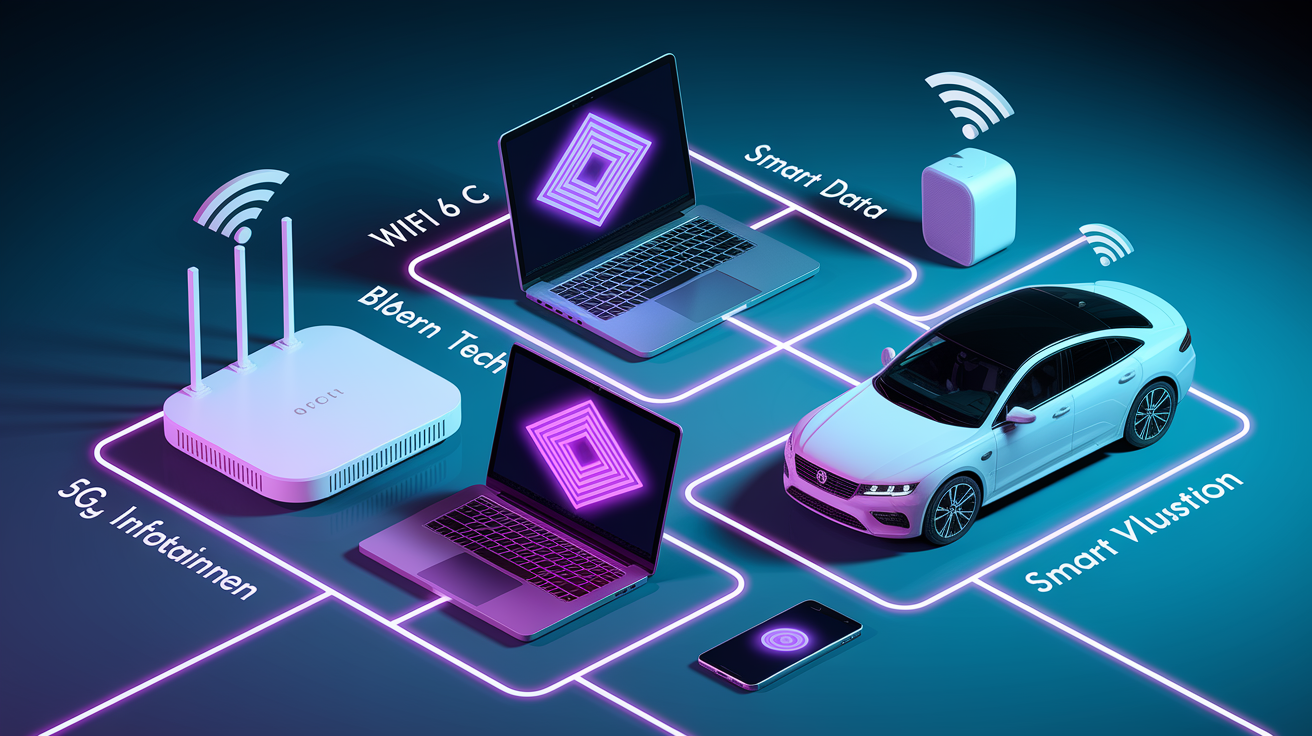
WiFi standards (WiFi 5 (802.11ac), WiFi 6 (802.11ax), and the emerging WiFi 6E and WiFi 7) determine network speed, range, and congestion handling. WiFi 6 offers faster data rates, lower latency, and better performance in crowded environments such as offices or apartments with many competing networks. Devices with WiFi 6E access the 6 GHz band for reduced interference. Bluetooth versions affect wireless audio quality, connection stability, and power draw. Bluetooth 5.0 and newer support longer range and higher throughput, enabling lossless audio codecs and multi-device pairing. Cellular connectivity (4G LTE and 5G) provides mobile data. 5G sub-6 GHz offers moderate speed improvements and broader coverage, while mmWave 5G delivers peak speeds above 1 Gbps but requires line-of-sight and drains battery faster.
GPS accuracy and sensor-based connectivity enable navigation, location services, and advanced driver-assist systems. Multi-band GNSS receivers (GPS, GLONASS, Galileo, BeiDou) improve positioning precision to within a few meters. In vehicles, typical ADAS setups use one to eight cameras, one to three radar units, and multiple ultrasonic sensors to enable adaptive cruise control, lane centering, and parking assist. Poor low-light conditions degrade camera-based features, causing false alerts or reduced lane-keeping performance. Radar and ultrasonic sensors provide backup modalities. Smartphone integration via wired or wireless connections depends on stable local WiFi. Wireless implementations introduce slight latency compared with USB-C or Lightning cables.
Ports and USB standards govern data-transfer speeds, charging power, and peripheral compatibility. USB 2.0 transfers up to 480 Mbps. USB 3.2 Gen 2 reaches 10 Gbps. USB4 and Thunderbolt 4 offer 40 Gbps for external SSDs, high-resolution monitors, and docking stations. USB-C replaces older USB-A and proprietary connectors on most modern devices, supporting Power Delivery for fast charging up to 100 W or more. The absence of legacy ports (headphone jacks, SD card slots) forces users to carry adapters or rely on wireless alternatives, which can introduce latency or require frequent recharging.
| Connectivity Feature | What It Enables | Typical Limitations |
|---|---|---|
| WiFi 6 / 6E | Faster streaming, lower latency in congested areas, better battery efficiency | Requires compatible router; older devices see no benefit; 6E needs 6 GHz-capable hardware |
| Bluetooth 5.0+ | Lossless audio codecs, multi-device pairing, extended range | Both device and accessory must support same codec; interference in crowded RF environments |
| 5G (sub-6 / mmWave) | High-speed mobile data, low-latency gaming and streaming | Coverage varies by carrier and location; mmWave drains battery; penetration through walls is poor |
| USB-C / Thunderbolt 4 | Universal charging, fast data transfer, single cable for display and peripherals | Cable quality matters; not all USB-C cables support full Thunderbolt speeds or high wattage |
Security Tech Features and Biometric Systems

Encryption standards protect user data both at rest (on-device storage) and in transit (network communication). Modern devices use AES-256 encryption for local files and TLS 1.3 or newer for secure connections. Secure enclaves (dedicated hardware modules isolated from the main processor) store cryptographic keys, biometric templates, and payment credentials. Apple’s Secure Enclave and Android’s StrongBox Keymaster prevent malware from accessing sensitive data even if the operating system is compromised. Operating systems that support hardware-backed encryption and trusted execution environments offer stronger protection against remote attacks and physical device theft.
Biometric authentication types include fingerprint readers, facial recognition, voice matching, and behavioral pattern recognition. Optical and ultrasonic fingerprint sensors sit beneath the display or on the side button. Ultrasonic sensors map 3D ridge patterns for higher accuracy and work with wet or dirty fingers. Face recognition systems use infrared depth sensors or structured light to prevent spoofing with photos. 2D camera-based face unlock is faster but less secure. Voice matching and behavioral biometrics (typing rhythm, swipe patterns) add secondary authentication layers. Accuracy varies. High-end sensors achieve false-accept rates below 1 in 50,000, while budget implementations may accept false matches more frequently or fail to recognize the legitimate user under poor lighting or with minor appearance changes.
Privacy settings and permissions management let you control which apps access location, camera, microphone, contacts, and health data. Operating systems now display indicators when an app uses the camera or microphone in the background, and allow one-time or session-based permissions that expire after the app closes. Monitoring systems in vehicles (driver-facing cameras for attention tracking) raise privacy concerns but are required for certain hands-free driving features. Verify whether monitoring data stays on-device or uploads to manufacturer servers, and whether you can disable telemetry without losing core functionality.
Common biometric security methods:
Fingerprint sensors (optical, ultrasonic, capacitive): fast unlock; ultrasonic versions work in more conditions but cost more.
Face recognition (infrared, structured light): hands-free authentication; depth-sensing systems resist photo spoofing.
Voice match: convenience for smart assistants; less secure as primary authentication; vulnerable to recording playback.
Behavioral pattern recognition: analyzes typing speed, swipe gestures, and app usage; passive security layer that runs in background.
Display, Interface, and UX Tech Features
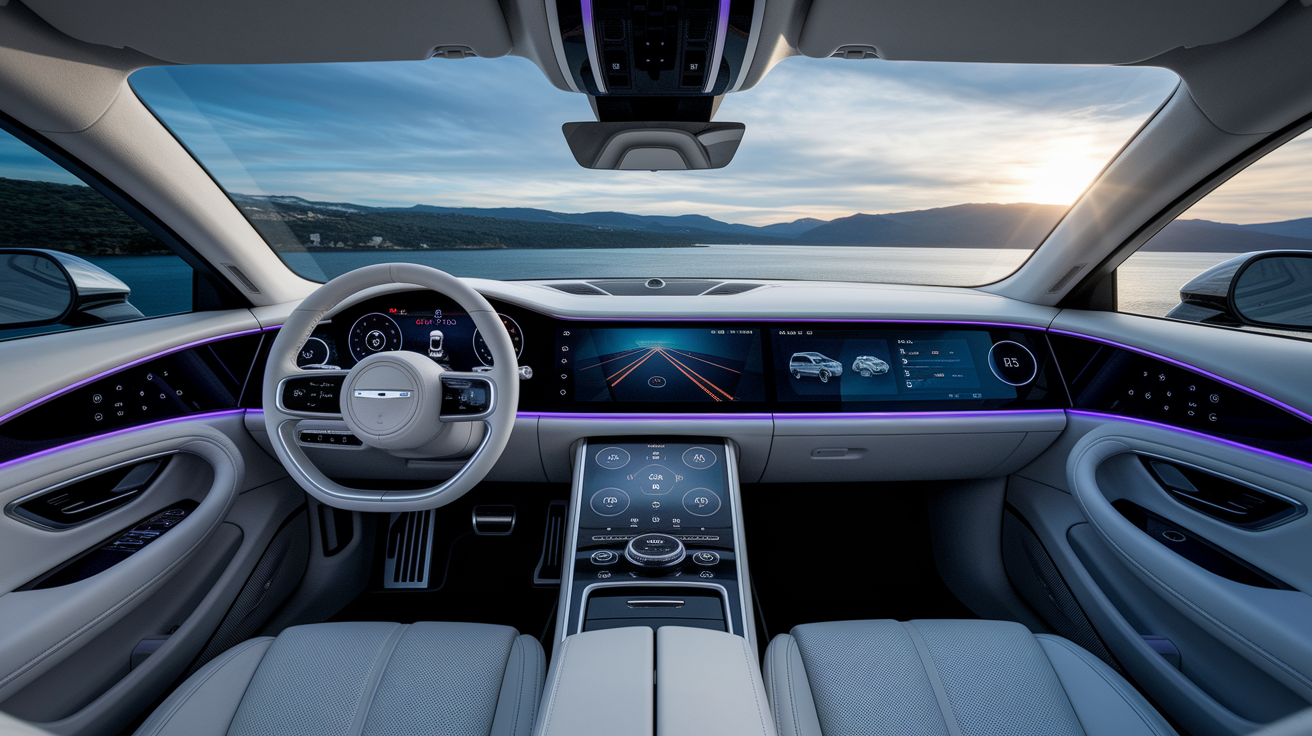
Display specifications (resolution, refresh rate, color gamut, and HDR support) determine visual clarity, smoothness, and color accuracy. Full HD (1920×1080) suffices for screens under 6 inches. Quad HD (2560×1440) or higher improves sharpness on larger displays. Refresh rates of 90 Hz, 120 Hz, or 144 Hz make scrolling and animations feel smoother than the standard 60 Hz. Higher rates drain battery faster unless the device supports adaptive refresh that scales down during static content. HDR10, HDR10+, and Dolby Vision expand brightness range and color depth for supported video. Wide color gamut (DCI-P3, Rec. 2020) displays vibrant, accurate tones for photo editing and media consumption.
Touch responsiveness, gesture navigation, and interface quality shape daily usability. High touch-sampling rates (240 Hz or more) reduce input lag during gaming and fast scrolling. Gesture navigation replaces physical or on-screen buttons with swipes from screen edges. Users who prefer tactile feedback often find gesture systems less intuitive. Interface lag and slow voice assistants frustrate users. Infotainment systems that take several seconds to respond to touch or voice commands become distracting during driving. Automotive displays range from 7 inches in entry-level models to 15 to 17+ inches in premium vehicles. Touch-only control schemes force drivers to look away from the road for climate, volume, and navigation adjustments, increasing distraction risk compared with physical knobs and buttons.
Heads-up displays (HUDs) and augmented reality overlays project speed, navigation cues, and safety alerts onto the windshield or a transparent combiner panel, reducing the need to glance down at the instrument cluster. AR HUDs arrived in consumer vehicles around 2018 to 2021 and expanded through 2022 to 2024. They overlay turn-by-turn directions, lane guidance, and ADAS warnings directly onto the road view. Typical HUD option prices range from roughly $500 to $2,000 as a factory add-on. Fully integrated AR systems on premium models can add $1,500 to $5,000 when bundled with other tech packages. Verify HUD brightness (measured in nits), display resolution, projected field of view (in degrees), and latency to ensure the system remains visible in direct sunlight and updates smoothly at highway speeds.
Accessibility features (screen readers, high-contrast modes, voice control, and adjustable font sizes) ensure devices remain usable for people with vision, hearing, or motor impairments. Modern operating systems include built-in screen readers (TalkBack on Android, VoiceOver on iOS), magnification gestures, and captioning for all audio. Voice control enables hands-free operation for users who can’t interact with touchscreens. Haptic feedback and customizable button remapping support motor limitations.
Six UI elements that influence user experience:
Touch precision and latency: determines how quickly taps and swipes register.
Physical buttons and knobs: faster, eyes-free control for volume, climate, and driving modes.
Gesture shortcuts: reduce navigation steps but require learning curve.
Voice commands: hands-free operation; reliability varies by environment and network.
Menu layout and depth: shallow hierarchies speed access; nested menus increase distraction.
System responsiveness: lag or stutter during multitasking degrades the experience; well-optimized software feels faster even on modest hardware.
Performance Tech Features and Battery Efficiency
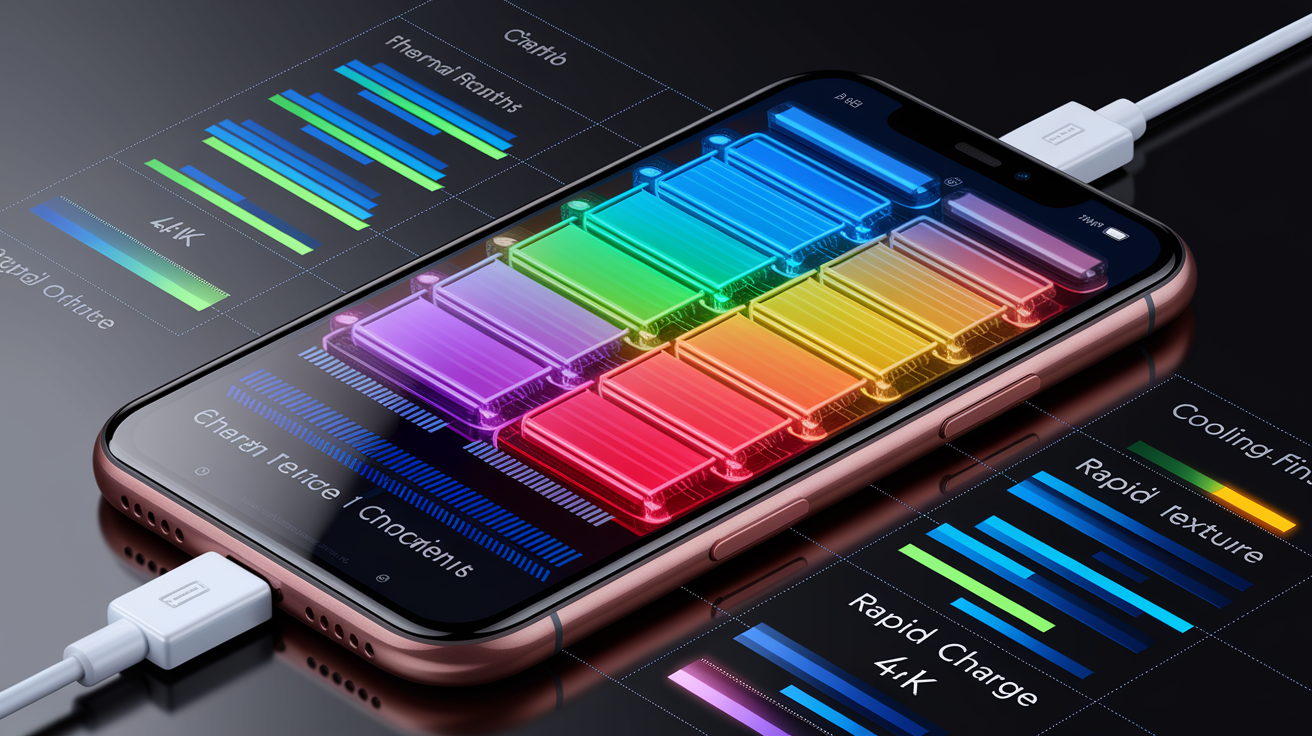
Battery capacity (measured in milliampere-hours (mAh) for phones and tablets, kilowatt-hours (kWh) for electric vehicles) determines runtime between charges. Smartphones typically range from 3,000 mAh in compact models to 5,000+ mAh in large devices. Tablets use 7,000 to 10,000+ mAh cells. Electric vehicles span 40 to 100+ kWh, delivering roughly 150 to 400+ miles of range depending on vehicle weight, aerodynamics, and drivetrain efficiency. Battery chemistry affects longevity. Lithium iron phosphate (LFP) cells tolerate more charge cycles than nickel-based chemistries but offer lower energy density. Fast-charging protocols (USB Power Delivery, Qualcomm Quick Charge, proprietary standards) deliver 18 W to over 100 W, refilling a phone to 50 to 80 percent in 15 to 30 minutes. For EVs, onboard chargers handle 3.7 to 11 kW AC (home charging), while DC fast chargers supply 50 to 350 kW at public stations.
Wireless charging uses inductive coils to transfer power without cables. Qi is the dominant smartphone standard, supporting 5 to 15 W. Wireless charging generates more heat than wired, which can slow charging speeds or trigger thermal throttling to protect the battery. Incorrect phone placement on the charging pad reduces efficiency and increases heat. In vehicles, wireless phone chargers may overheat devices during navigation and streaming, especially in hot weather. Confirm whether wireless charging supports the wattage your device accepts and whether the charging surface includes cooling vents or fans.
Performance modes and optimizations let you balance speed with battery life. Gaming modes prioritize GPU and CPU clocks, disable background tasks, and route more power to cooling systems. Battery-saver modes reduce screen brightness, limit background sync, and throttle processor speed. Streaming performance depends on network stability and hardware decode support. Devices with dedicated video decode blocks handle 4K HDR streams without draining battery as quickly as software decoding. Over-the-air updates can modify performance behavior. Manufacturers sometimes cap charging speeds, adjust thermal limits, or unlock additional power through software. Subscription-based performance unlocks (such as higher motor output in EVs or faster CPU modes in devices) require ongoing payments to maintain access.
| Feature | Typical Spec | Impact on Performance |
|---|---|---|
| Battery capacity | 4,000 to 5,000 mAh (phones); 40 to 100 kWh (EVs) | Larger capacity extends runtime; weight and space constraints limit size |
| Fast charging | 18 to 100+ W (phones); 50 to 350 kW DC (EVs) | Reduces downtime; generates heat that may throttle speed or degrade battery over time |
| Wireless charging | 5 to 15 W (Qi standard) | Convenience at cost of efficiency; heat buildup slows charge and may pause charging to cool |
| Performance modes | Gaming, battery-saver, balanced | Gaming mode boosts clock speeds and drains battery faster; saver mode extends runtime by limiting background tasks |
Sensor, Camera, and Detection Tech Features
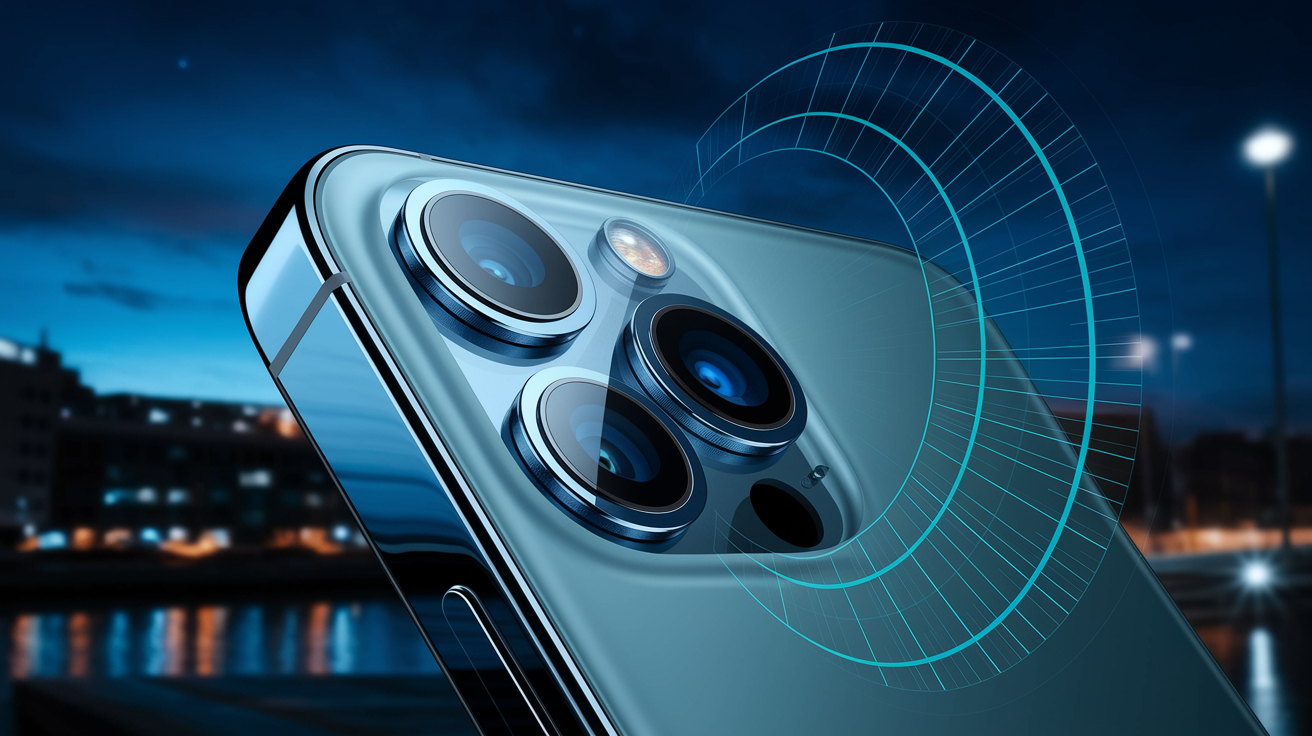
Camera quality depends on sensor size, lens aperture, image processing, and computational photography. Large sensors (1/1.3-inch or bigger) capture more light, improving low-light performance and depth of field. Wide apertures (f/1.5 to f/1.8) allow faster shutter speeds in dim conditions. Megapixel count matters less than sensor and lens quality. Modern flagship phones use 12 to 50 MP main sensors with pixel-binning techniques that combine multiple pixels into one for better dynamic range and noise reduction. HDR (high dynamic range) processing merges multiple exposures to preserve highlights and shadows. Color gamut support (DCI-P3, Rec. 2020) ensures accurate reproduction of vibrant tones. Multi-camera arrays add ultrawide, telephoto, and macro lenses. Computational photography (Night Mode, Portrait Mode, AI scene detection) uses software to enhance images beyond hardware limits.
Sensor suites in vehicles enable advanced driver-assistance systems (ADAS) and autonomous features. Typical setups include one to eight cameras for lane detection, traffic sign recognition, and surround-view parking; one to three radar units for adaptive cruise control and collision avoidance; and four to twelve ultrasonic sensors for close-range obstacle detection. Camera performance degrades in low light, rain, and fog. Night driving and dirty lenses reduce lane-keeping accuracy and increase false alerts. Radar operates in poor weather but has lower resolution than cameras, making it less effective at identifying pedestrians or small objects. Premium systems add LiDAR (light detection and ranging), which uses laser pulses to create high-resolution 3D maps. Commercial LiDAR integration expanded in 2022 to 2024 on higher-end models, improving detection range and reliability at night.
Mobile device sensors (accelerometers, gyroscopes, ambient light sensors, and proximity sensors) determine core user-experience behaviors. Accelerometers detect motion and orientation for auto-rotate, step counting, and fall detection. Gyroscopes measure angular velocity for precise motion tracking in gaming and AR apps. Ambient light sensors adjust screen brightness automatically to save battery and reduce eye strain. Proximity sensors turn off the display during calls to prevent accidental touch inputs. Magnetometers provide compass heading for navigation apps. Barometers measure altitude changes for fitness tracking. The combination of these sensors enables features such as always-on displays that wake when the device is picked up, gesture controls that skip tracks with a wave, and contextual adjustments that switch sound profiles based on movement patterns.
Cloud, Continuity, and Cross‑Platform Tech Features

Cloud sync keeps contacts, photos, documents, and app data consistent across multiple devices. Services such as iCloud, Google Drive, OneDrive, and Dropbox upload changes automatically when connected to WiFi, allowing seamless transitions between phone, tablet, and computer. Backup and restore processes rely on cloud storage to recover data after device loss, damage, or upgrade. Full backups include app data, settings, and media. Incremental backups save only changes since the last sync to reduce bandwidth and storage use. Free storage tiers typically range from 5 to 15 GB. Paid plans start around $1 to $3 per month for 50 to 200 GB and scale to terabytes for families or professionals.
Cross-platform app continuity and multi-device workflows let you start a task on one device and finish on another. Universal Clipboard copies text or images on a phone and pastes them on a laptop. Handoff transfers active browser tabs, emails, or documents between devices signed into the same account. Sidecar and similar features turn tablets into secondary displays for laptops. Automotive infotainment systems use Apple CarPlay and Android Auto to mirror smartphone apps (navigation, messaging, media) on the vehicle’s screen via local WiFi or wired connection. Remote start, digital keys, and climate pre-conditioning rely on cloud-linked mobile apps. Subscription costs for connected services commonly range from $5 to $30 per month for basic features up to $50 to $200+ per month for premium safety suites and concierge services.
Voice assistants (Google Assistant, Siri, Alexa, Gemini) depend on cloud servers for natural language processing, contextual understanding, and third-party integrations. On-device processing handles simple commands (set timer, play music) without network delay, but complex queries (web search, smart home control) require internet connectivity. Voice recognition accuracy improves over time as cloud models learn user speech patterns, but performance degrades in noisy environments, with accents, or when network latency spikes. Users criticize assistants for misinterpreting commands, failing to complete multi-step tasks, and requiring exact phrasing to function reliably.
Five cloud-driven features users rely on daily:
Automatic photo backup: protects memories without manual effort; requires sufficient cloud storage.
Cross-device messaging sync: keeps conversations current on all devices; depends on platform ecosystem (iMessage, Google Messages, WhatsApp).
Password and passkey management: secure cloud keystores autofill credentials; two-factor authentication adds security.
Real-time collaboration on documents: multiple users edit the same file simultaneously; requires stable internet and compatible apps.
Remote device tracking and wipe: locate lost devices or erase data remotely; essential for theft or loss recovery.
Tech Features That Have Become Obsolete

The shift from mechanical to electronic and software-driven design eliminated features once standard across consumer devices and vehicles. In automotive contexts, 11 legacy features have largely disappeared because modern alternatives deliver better safety, efficiency, or convenience at lower cost. Manual transmissions dominated for decades but now face declining demand and technical incompatibility with hybrid and electric powertrains. Automatics and continuously variable transmissions (CVTs) enable better fuel economy and reduce driver workload. Most electric vehicles require only a single forward gear due to the broad torque curve of electric motors. Manual gearboxes add weight and complexity with no performance benefit.
Safety regulations, efficiency mandates, and cost pressures accelerated obsolescence. Manual parking brakes (handbrakes) gave way to electronic parking brakes that engage with a button press and release automatically when the driver shifts into gear. Front bench seats disappeared because modern crash standards require center lap-and-shoulder belts, airbags, and side bolsters that three-abreast seating can’t accommodate. Large trucks and SUVs still offer bench configurations, but safety organizations don’t recommend regular use of the front-center position. Spare tires (especially full-size spares) vanished to save weight, trunk space, and cost. Manufacturers replaced them with temporary “donut” spares limited to 50 mph and 50 miles, tire repair kits that only seal punctures smaller than 0.15 inches (4 mm), or run-flat tires that allow limited driving (typically around 50 miles at around 50 mph) after pressure loss but cost more to replace.
Niche persistence of certain legacy features reflects enthusiast preference and specific use cases. Manual parking brakes remain standard on driver-focused models such as the Toyota GR86, Subaru BRZ, Mazda MX-5 Miata, and Toyota GR Corolla (cars marketed for driving engagement and drifting capability). Manual transmissions survive in a handful of sports cars and budget vehicles where cost or tradition outweighs automation benefits. Analog instrument clusters disappeared in favor of digital screens that consolidate navigation, media, and driver-assist information with over-the-air update capability, but some manufacturers offer configurable displays that emulate classic analog gauges. The latest Ford Mustang uses a digital cluster that mimics traditional dials while providing real-time performance data.
Six obsolete features and why they vanished:
Manual transmissions: low consumer demand, incompatibility with hybrids and EVs, and superior efficiency from automatics and CVTs.
Carburetors: replaced by electronic fuel injection for precise air-fuel ratios, better power, lower emissions, and easier cold starts.
CD players and cassette decks: streaming via smartphone integration (CarPlay, Android Auto) and Bluetooth eliminated need for physical media; only eight new cars offered CD players in 2025.
Manual window cranks: electric power windows became standard for convenience, speed, and integration with central locking and pinch protection.
Distributor caps and rotors: supplanted by distributorless ignition and coil-on-plug systems controlled by the engine control unit (ECU) using crankshaft and camshaft position sensors; modern systems eliminate moving parts, remove timing adjustment needs, and deliver more precise ignition timing.
Ashtrays and cigarette lighters: smoking declined and laws penalize smoking with children in vehicles; manufacturers replaced these with storage bins, cupholders, USB ports, and wireless phone chargers; the 12 V accessory port remains standard for powering chargers, tire inflators, and portable refrigerators.
Final Words
We ran through the essentials: what tech features are, how hardware, software, connectivity, security, displays, batteries, sensors and cloud services shape modern devices and cars, and which legacy parts are fading.
This matters because those choices affect daily use — speed, safety, battery life, and long-term updates — and they’re often tied to subscriptions or OTA updates.
Focus on the tech features that match how you actually use a device; that way you get better value, fewer surprises, and a smoother experience ahead.
FAQ
Q: What are technology features and what are the technical features?
A: Technology features and technical features are the measurable parts of a device or system—hardware, software, sensors, connectivity, security, display, battery and performance—that define what it can do and how it fits your needs.
Q: What are your top 5 tech skills?
A: Your top 5 tech skills are problem-solving with tools, basic coding (Python/JS), system troubleshooting, data literacy (spreadsheets/visuals), and security hygiene (strong passwords and timely updates).
Q: What are the 7 types of technology?
A: The 7 types of technology are communication, transportation, medical, agricultural, industrial/manufacturing, information/computing, and energy technologies—each changes tasks, speed, scale, cost, or safety in everyday life.